
Share links
A link that shows chosen candidates to people with no account. Their ratings come back to you.
Open Share LinksIn the app: Candidate page, Share Candidate. Or select candidates on the Candidates list.
At a glance
- Basic
- 3 share links a month
- Pro
- Unlimited
Good to know first
- DeepHire does not email the link to your client. You copy it and send it.
- Hide candidate info is on by default: clients see "Candidate 1", not names or emails.
Make a share link
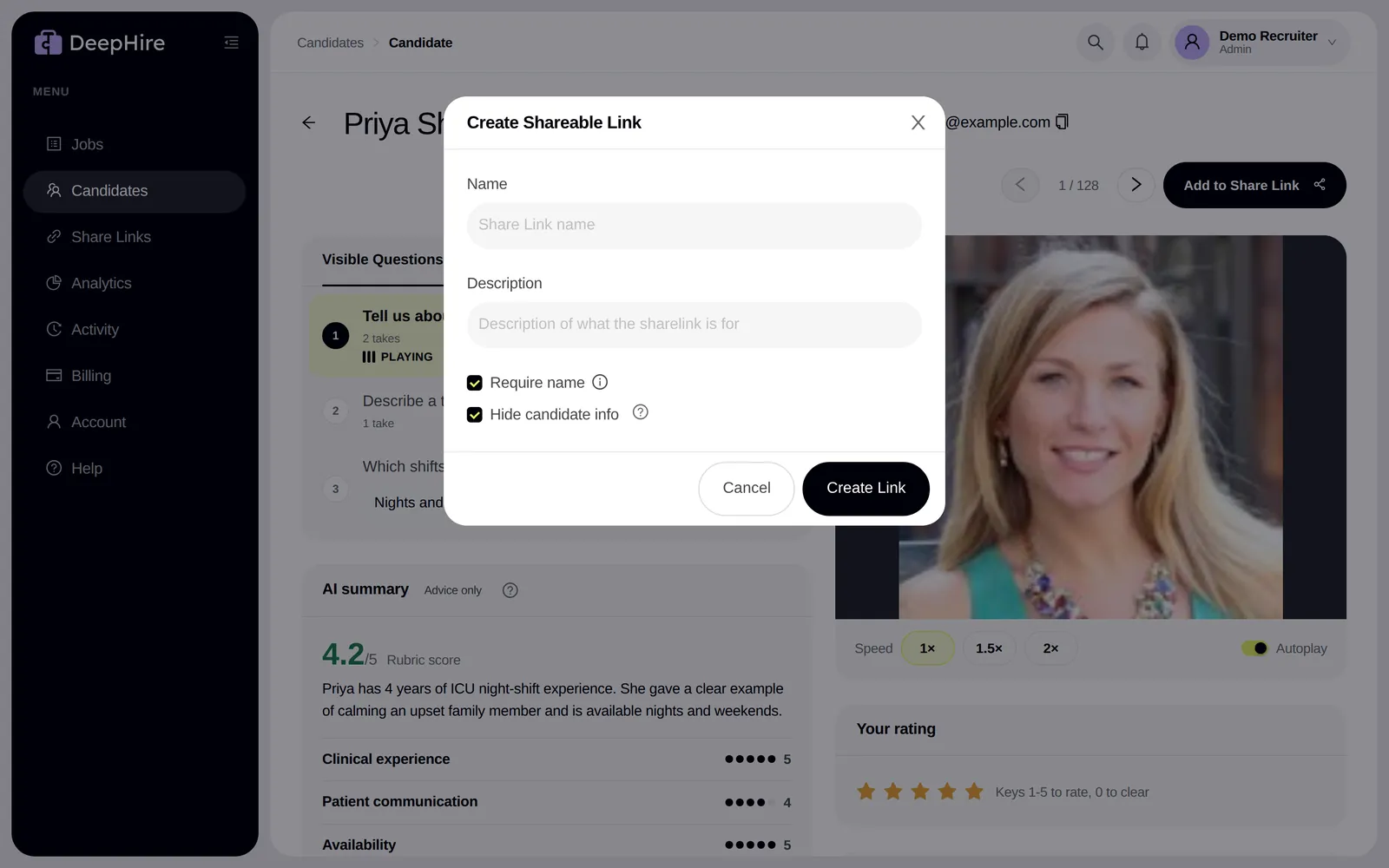
- Click Share Candidate, or select candidates on the list and share.
- Name the link and add a description.
- Choose the options below, then copy the link.
| Option | Default | What it does |
|---|---|---|
| Require name | On | Viewers type their name first. You see feedback and views per person. |
| Hide candidate info | On | Removes name and email. Clients see "Candidate 1", "Candidate 2". |
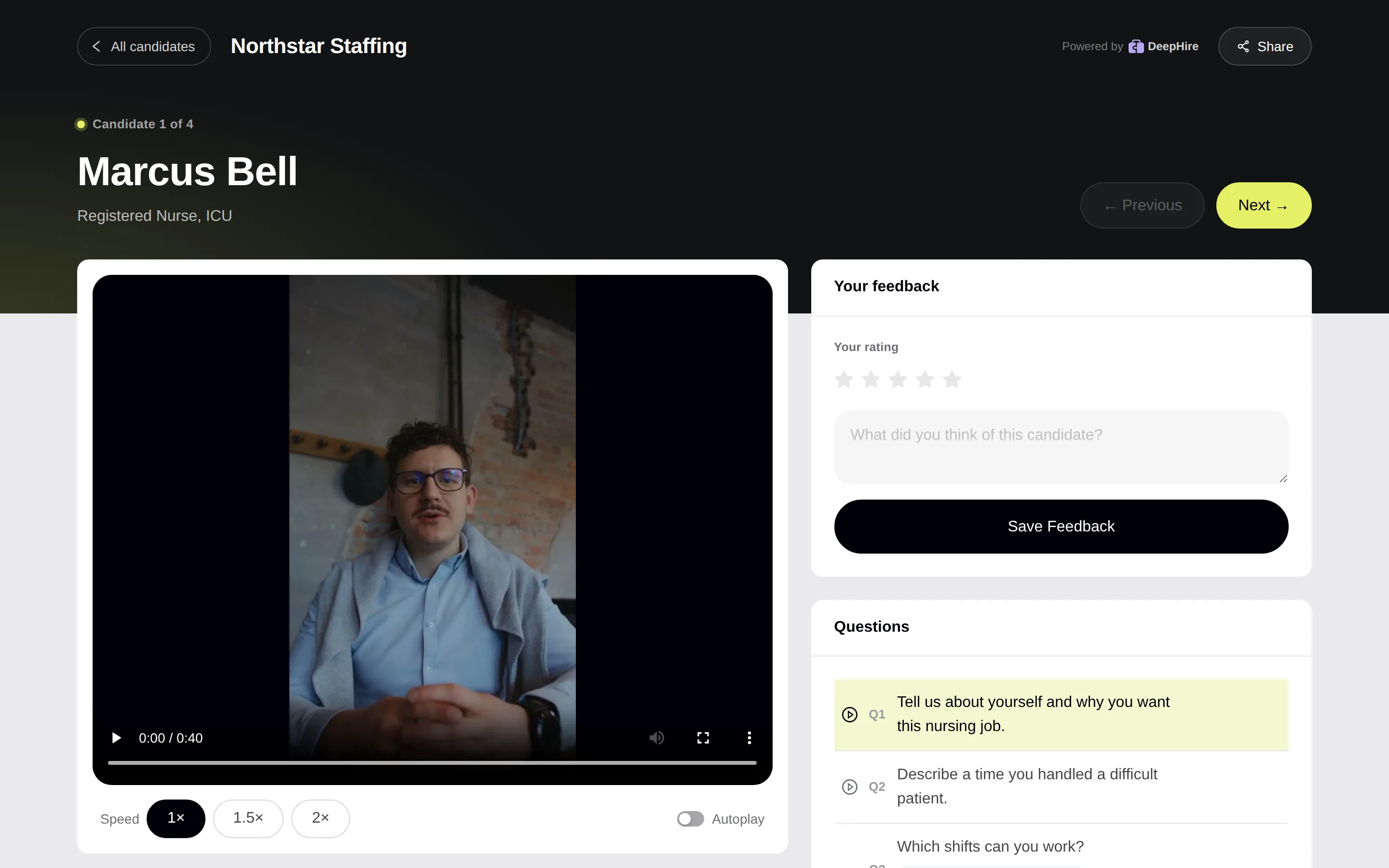
What the client sees
The answers, written answers, Previous and Next, speed, and star ratings. Never your comments, and never answers you hid with Hide question when sharing this candidate.
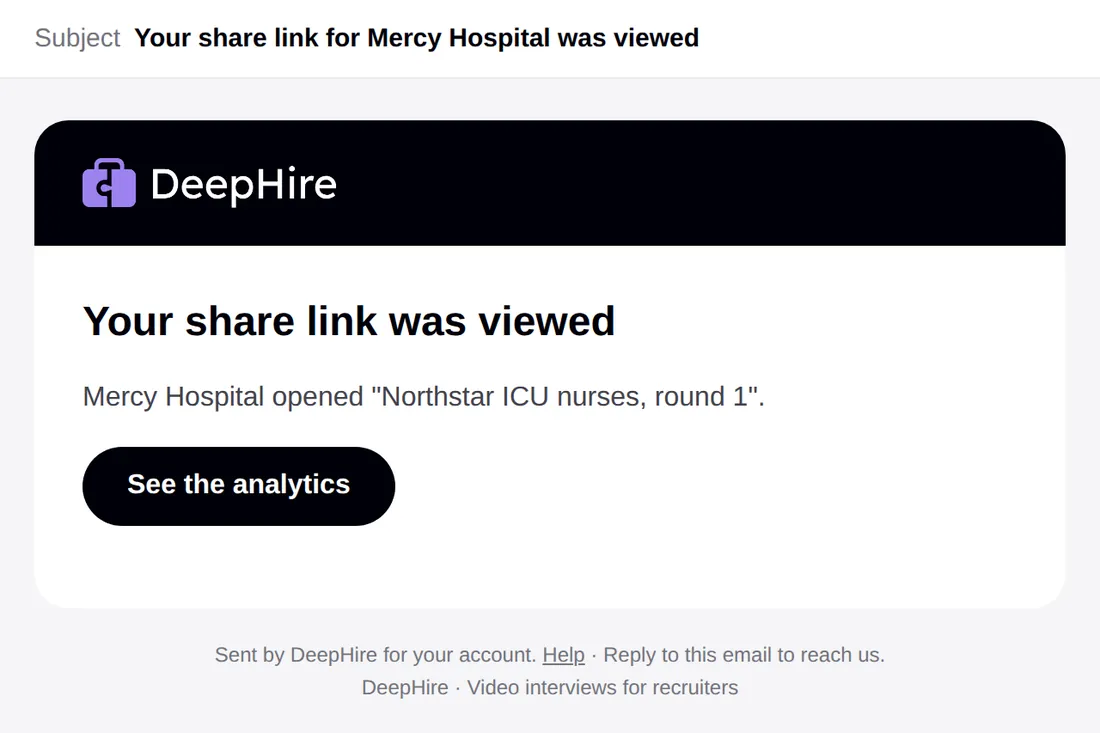
What you get
- An email when the link is viewed, and when a client sends feedback.
- Client ratings in the candidate's Activity card.
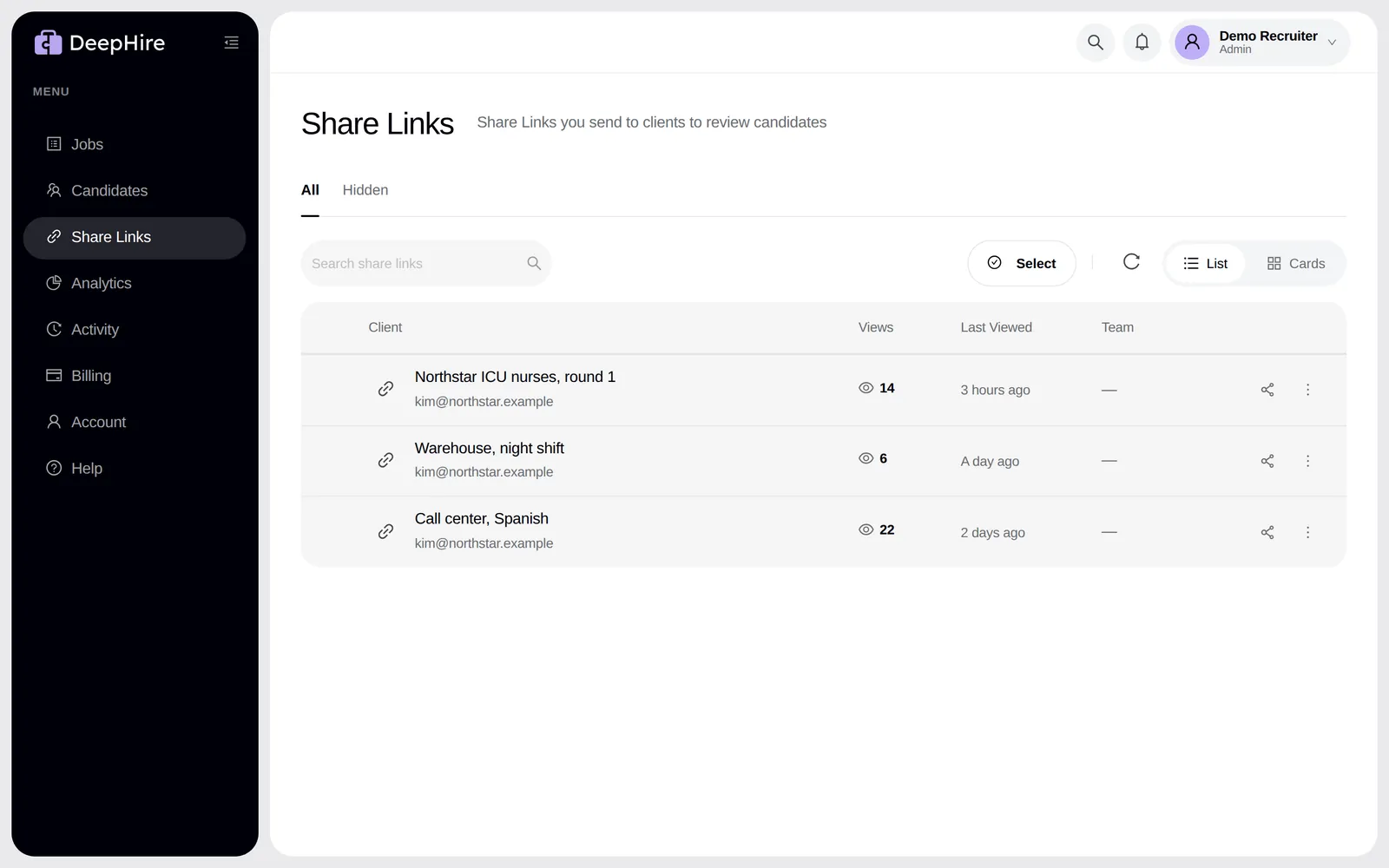
- On Share Links, the views, last view, and View analytics.
The candidate's update email counts share-link views, without saying who viewed.
See your links
Updated November 9, 2026