
Branding
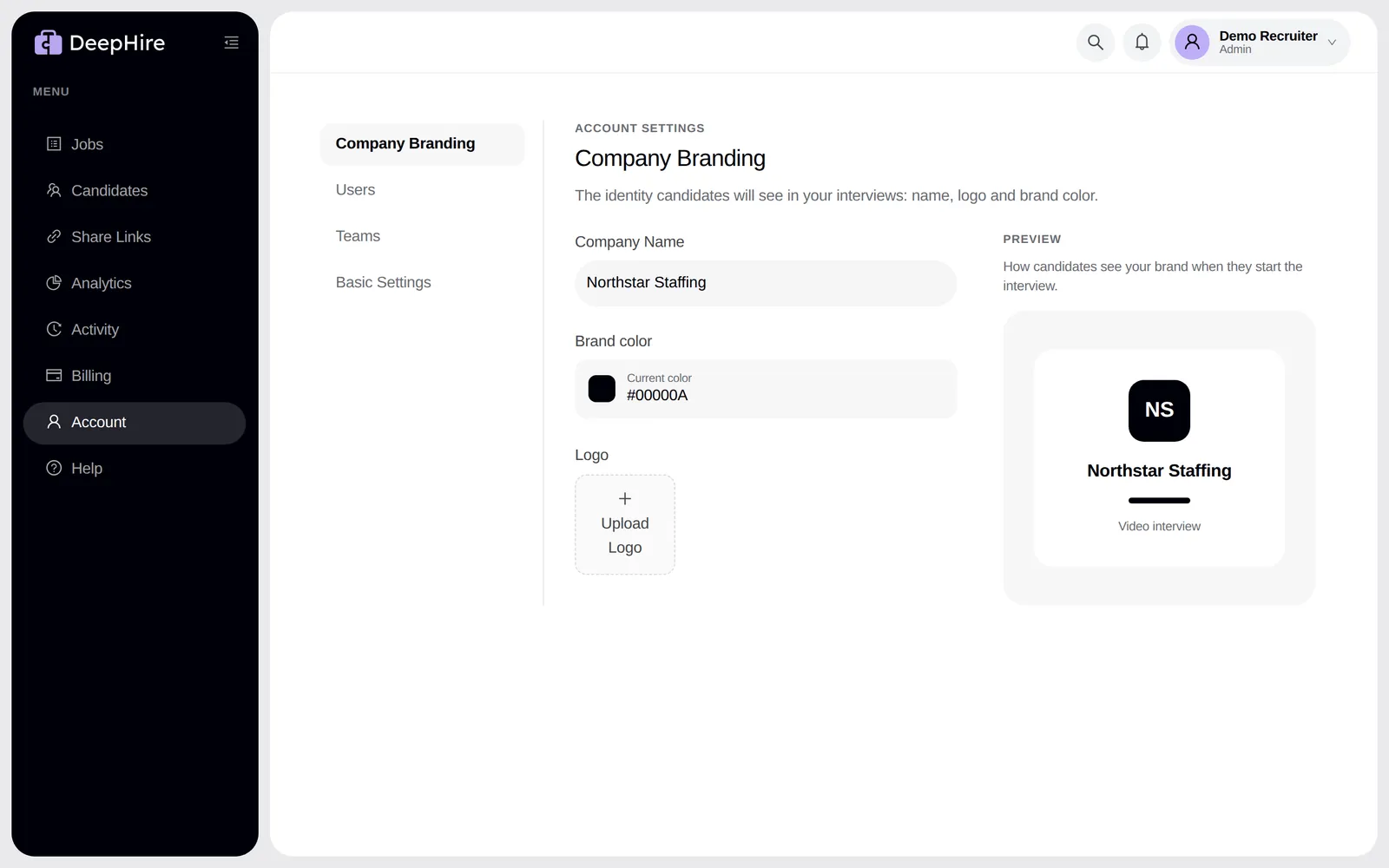
Your logo on the interview start page. Pro and trial.
Open Company BrandingIn the app: Settings, Company Branding.
Logo
Upload a JPG or PNG under 15 MB. The preview shows how candidates see it. To change your company name or color, contact support.
Brands
If your account has brands, the job form has a Brand field. Candidates see that brand's name on the interview and in their emails. To add a brand, contact support.
Updated November 9, 2026