
What the candidate sees
The interview from the candidate's side, from the link to the finish page.
The steps
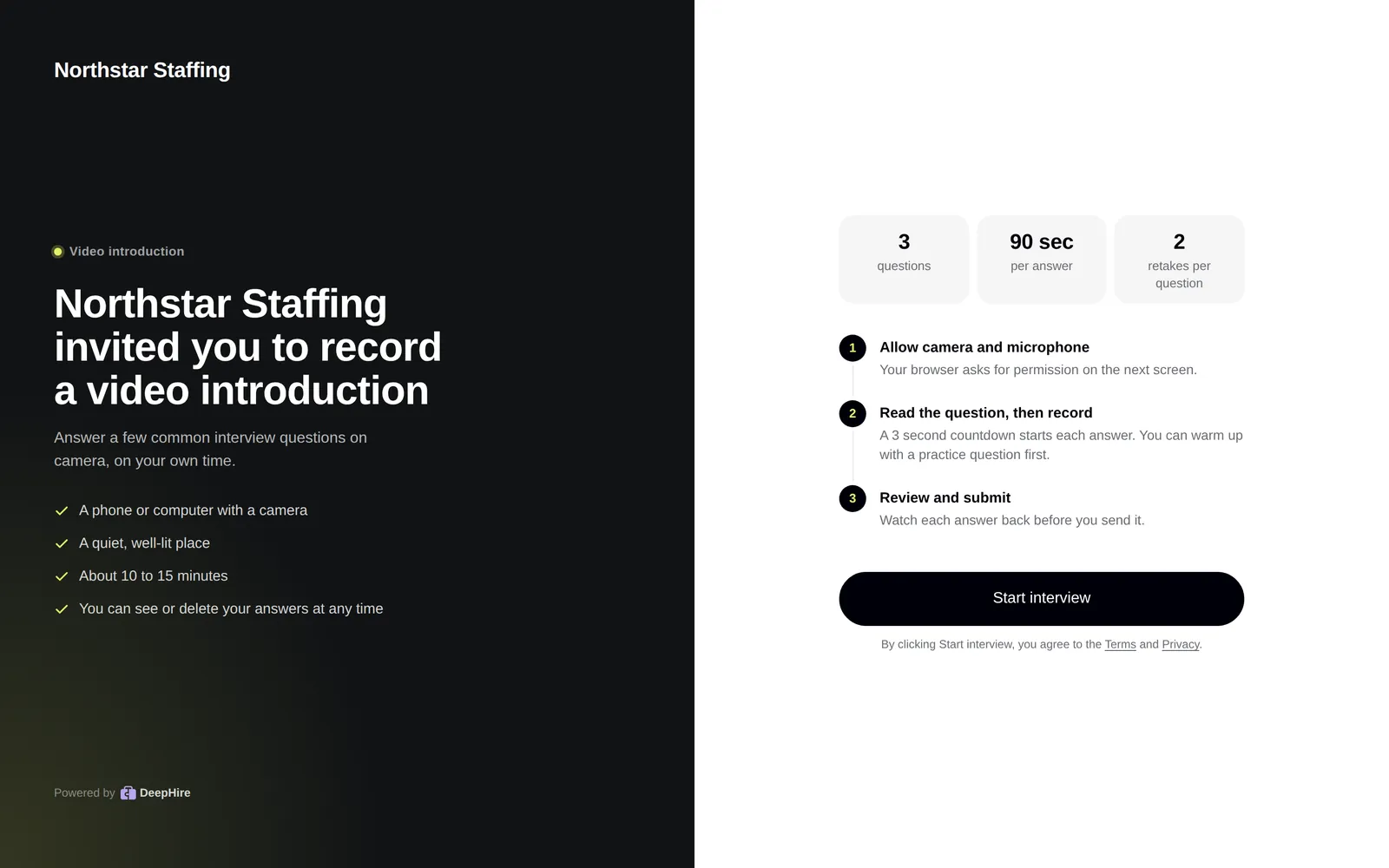
- The link opens your company name, the number of questions, the time per answer, and the retake rule (for example "Unlimited retakes" or "2 retakes per question").
- They agree to the Terms and Privacy and click Start interview.
- On question 1, they can Warm up with a practice question first. It is not saved or sent.
- Each question has a 3-second countdown, then the recording. It stops at your Record Time.
- They can watch the take and retake it, up to the job's limit. The screen shows how many retakes are left. Reloading the page does not reset the count.
- At the end they see a thank-you page. If the job allows it, they can Add references.
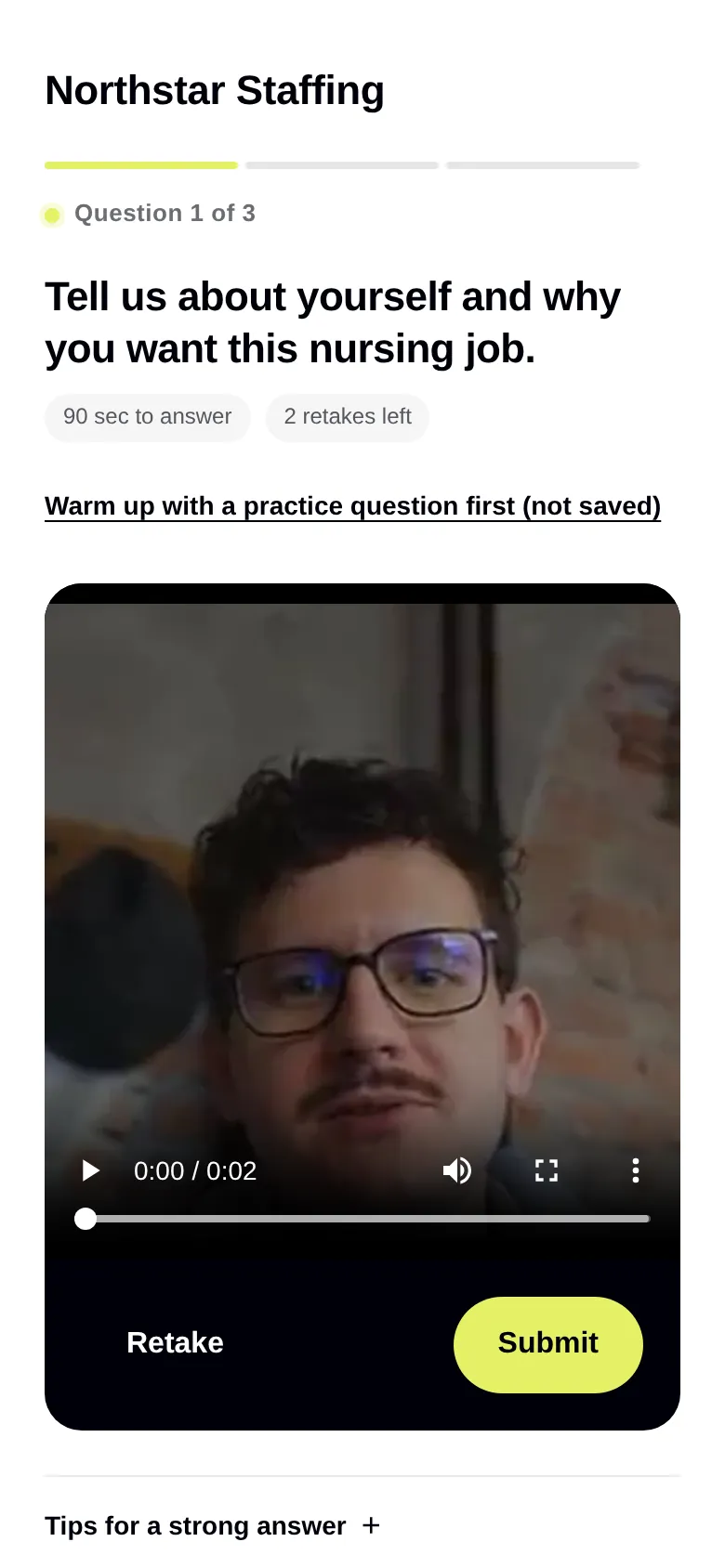
After a take: Retake or Submit
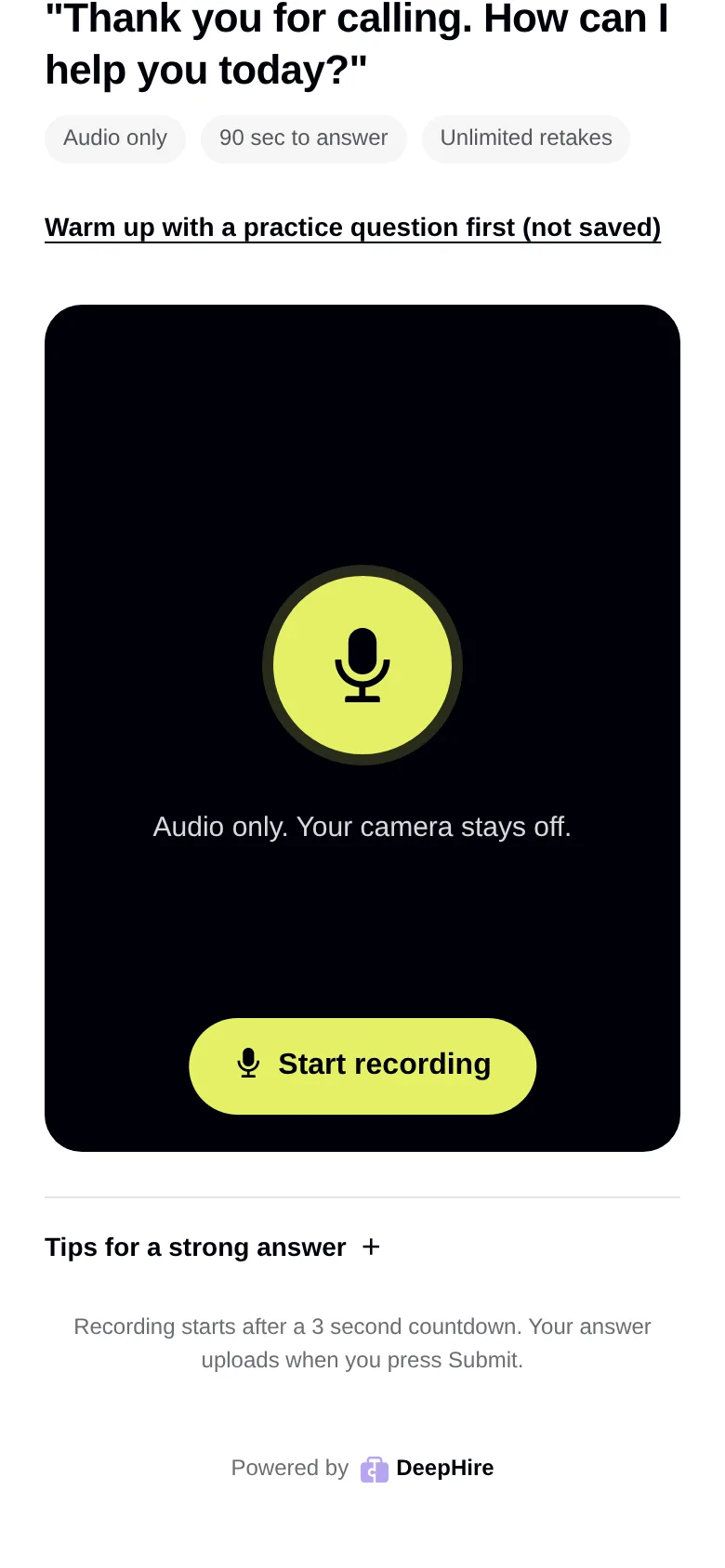
An Audio only question
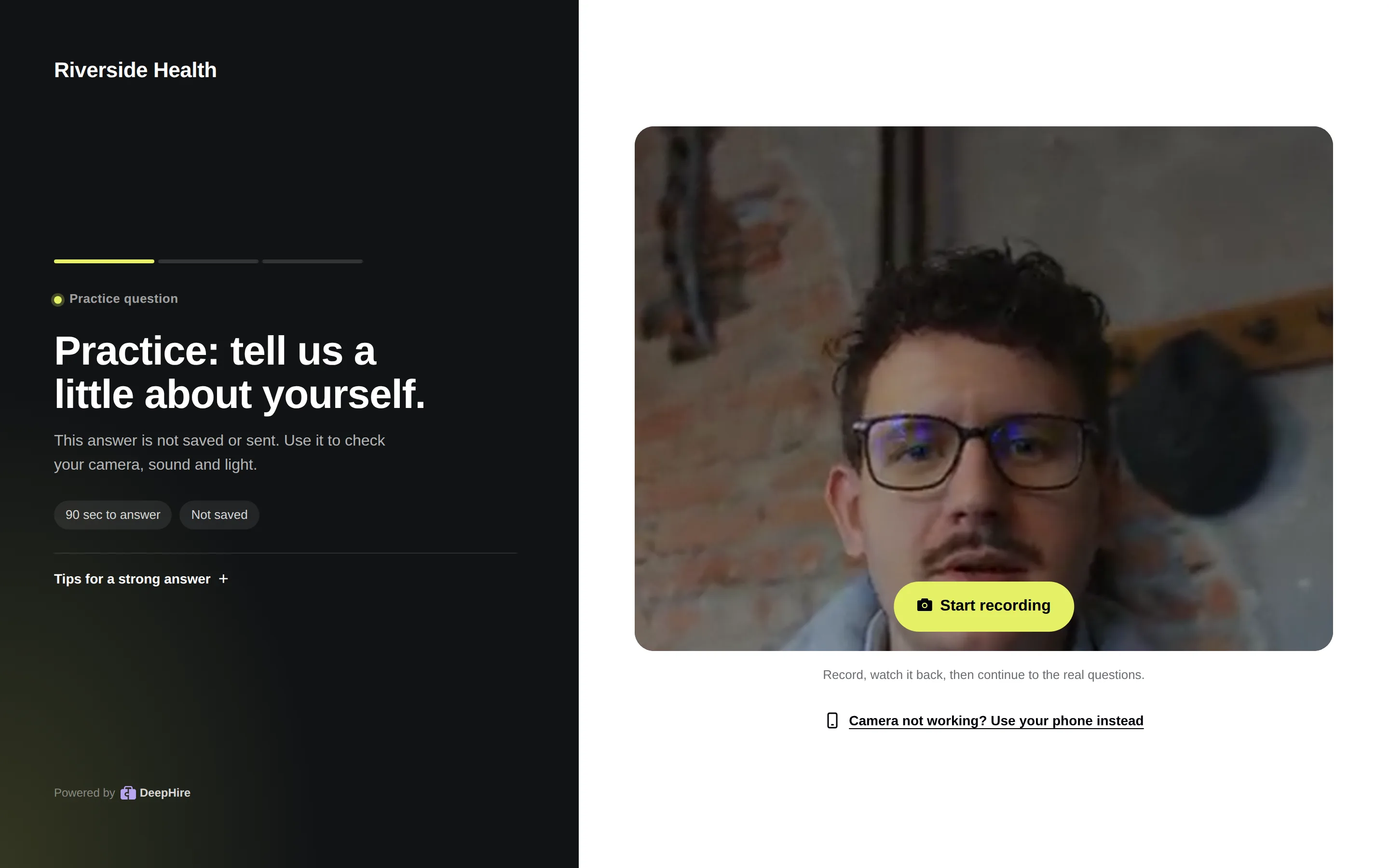
If the camera fails
On a computer, Camera not working? Use your phone instead shows a QR code. The interview opens on their phone at the same question. Answers already sent are kept. For help with camera and browser problems, send them to deephire.com/help.
In a phone app's browser
Links opened inside apps such as LinkedIn or Facebook may not allow the camera. The interview tells candidates to open it in Safari or Chrome.
Updated November 9, 2026