
Team members and seats
Invite people, set roles, and see how seats count.
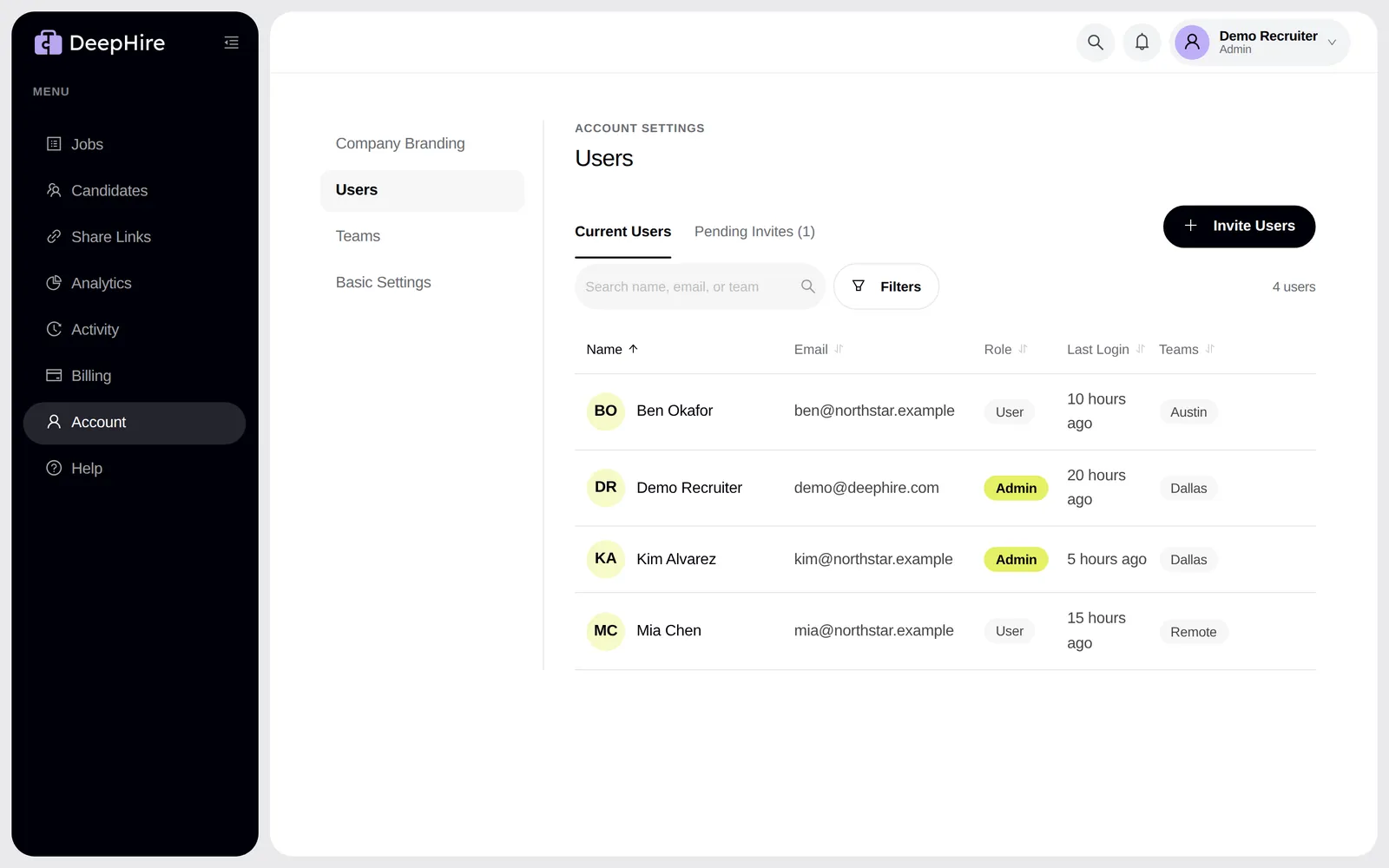
Open UsersIn the app: Settings, Users.
At a glance
- Basic
- 2 seats
- Pro
- 10 seats
- Counts
- Users + open invites
Roles
- Admin: invites and removes people, changes roles, sees billing, deletes candidates, and sees the admin logs.
- User: reviews, rates, comments, shares, and creates jobs.
Invite
Admins click Invite Users. The person gets an email "{name} invited you to DeepHire". Open invites count as seats until they are accepted or cancelled.
Hiring teams
Admins can put each job on one or more Hiring Teams. Teams are on Pro and on the trial.
Remove someone
Delete User removes their access at once, including any AI assistant keys they made.
Updated November 9, 2026