
Invite candidates
Send the interview by email with your message, or copy the link and send it yourself.
Open your jobsIn the app: Jobs, then Invite candidates on a job.
Good to know first
- Save and send invitations emails real people. It asks you to confirm and lists every email.
- Candidates who use the Direct Link are not tracked as invited.
- Text message invites are built but turned off.
Invite by email
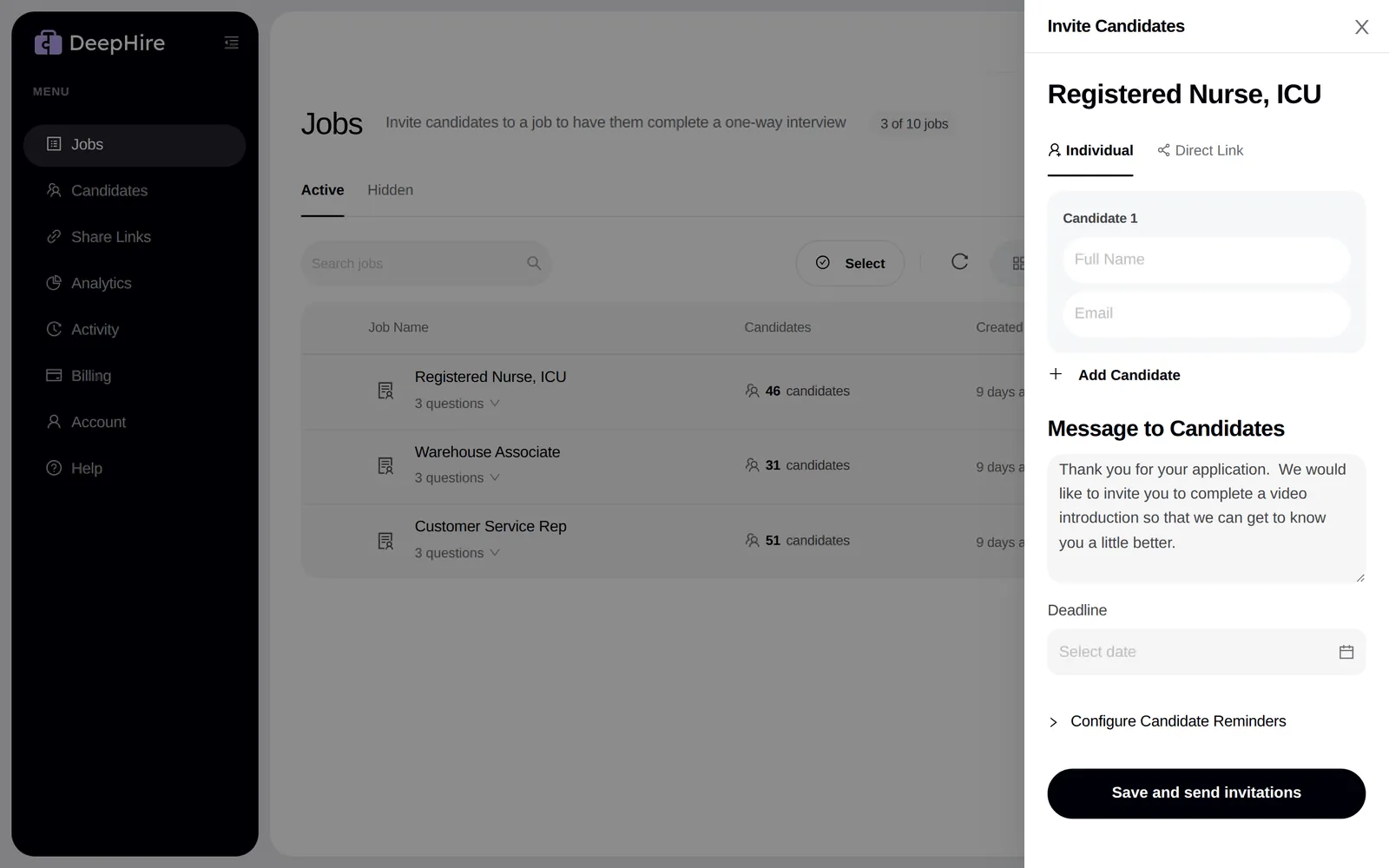
- On the Jobs page, click Invite candidates on the job.
- In Individual, enter each candidate's full name and email. Click Add Candidate for more.
- Write a Message to Candidates. Set a Deadline if you want one.
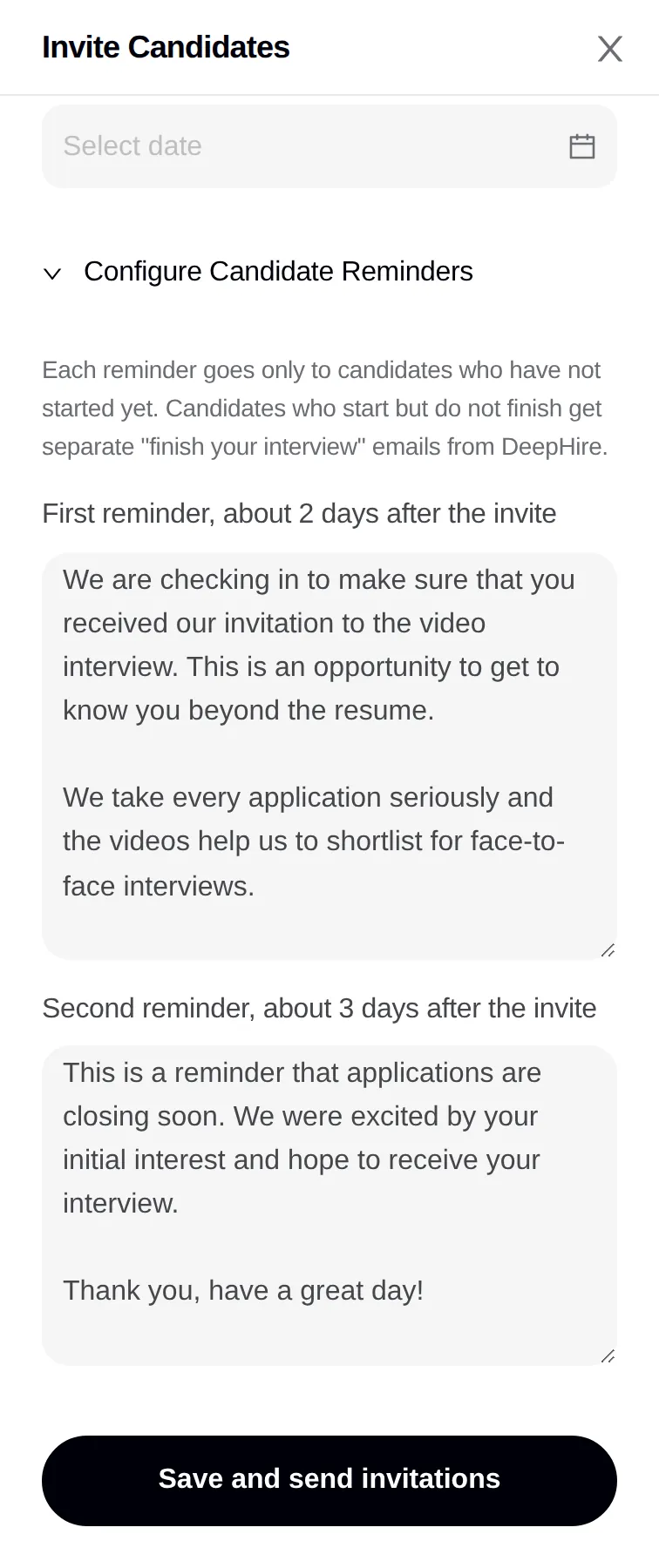
- Open Configure Candidate Reminders to edit the two reminder texts.
- Click Save and send invitations, check the list of emails, and confirm.
What the candidate gets
| When | |
|---|---|
| Invite, with your message and Start my interview | At once |
| Your first reminder text | About 2 days after the invite, only if they have not started |
| Your second reminder text | About 3 days after the invite, only if they have not started |
| "Please finish your DeepHire introduction" (DeepHire's own text) | About 2 hours after they start, if they have not finished |
| 3 more "finish your interview" emails | About 1, 2, and 3 days after that, until they finish |
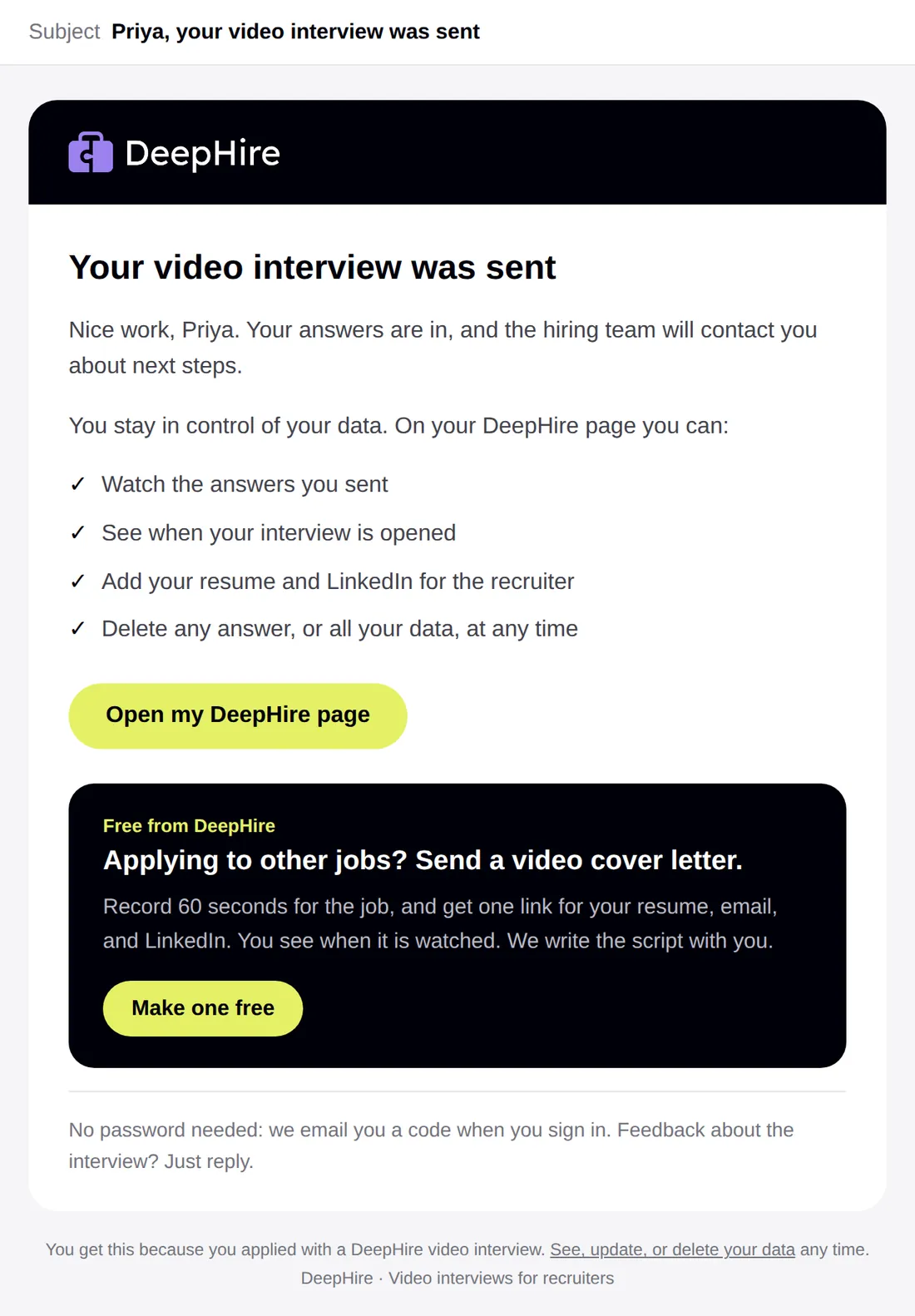
| "Your video interview was sent" | When they finish |
The invite says the interview takes about 15 minutes, that they can practice first, and that they can see or delete their answers later.
What you get
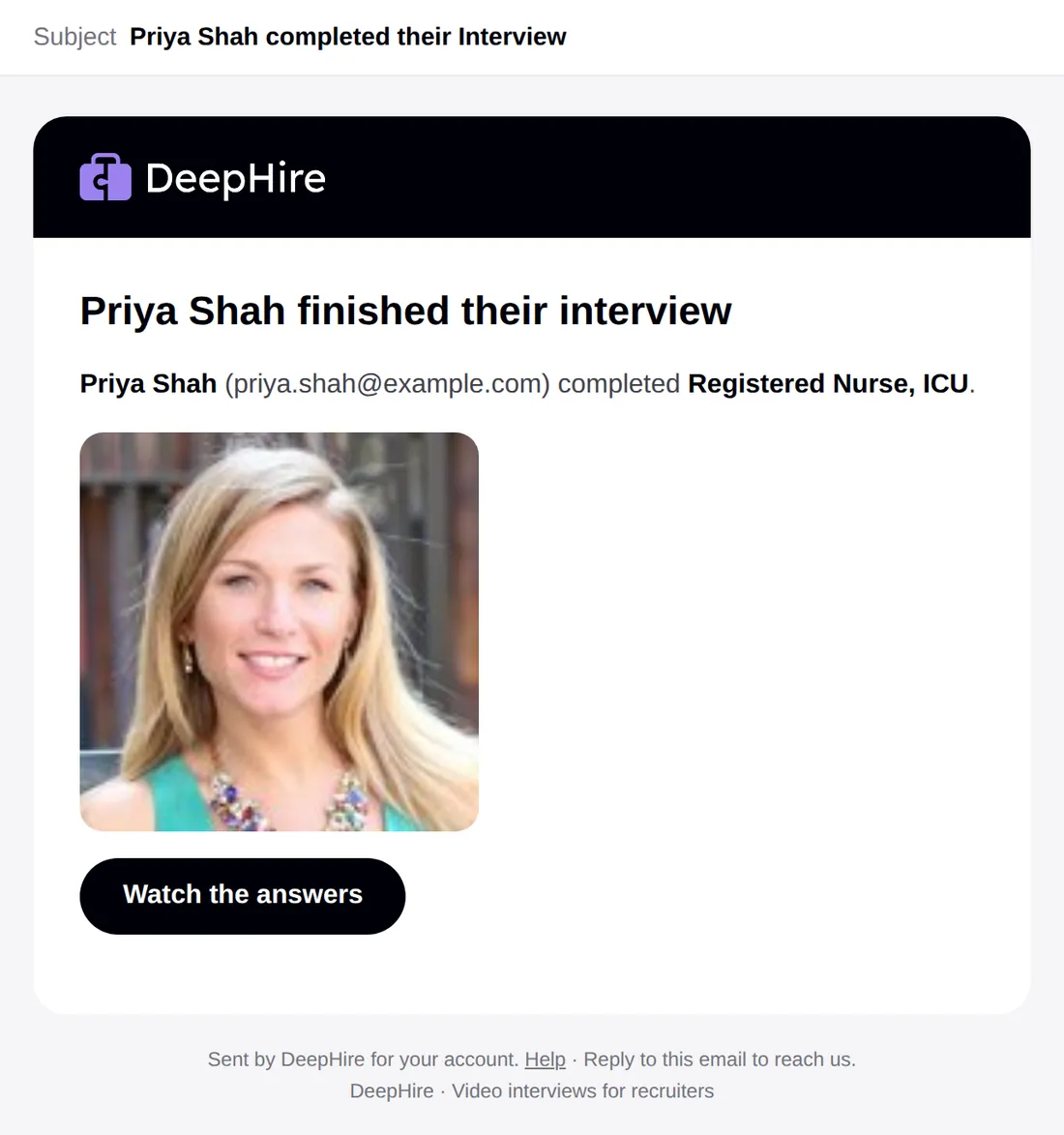
"{Candidate} completed their Interview", with Watch the answers, when a candidate finishes.
Direct link
The Direct Link tab gives the link to paste anywhere. DeepHire cannot track invite status for these candidates.
Updated November 9, 2026