
Create a job
Write the questions with AI or a template, set the answer time, and get the interview link.
Create a jobIn the app: Jobs, then Create Job (open).
At a glance
- Templates
- 26, in English and Spanish
- AI question writer
- Free, 5 questions + a rubric
- Answer time
- 15 to 1000 seconds, default 90
Good to know first
- Picking a template or AI draft over questions you wrote asks first: Replace or Keep mine.
Three ways to start
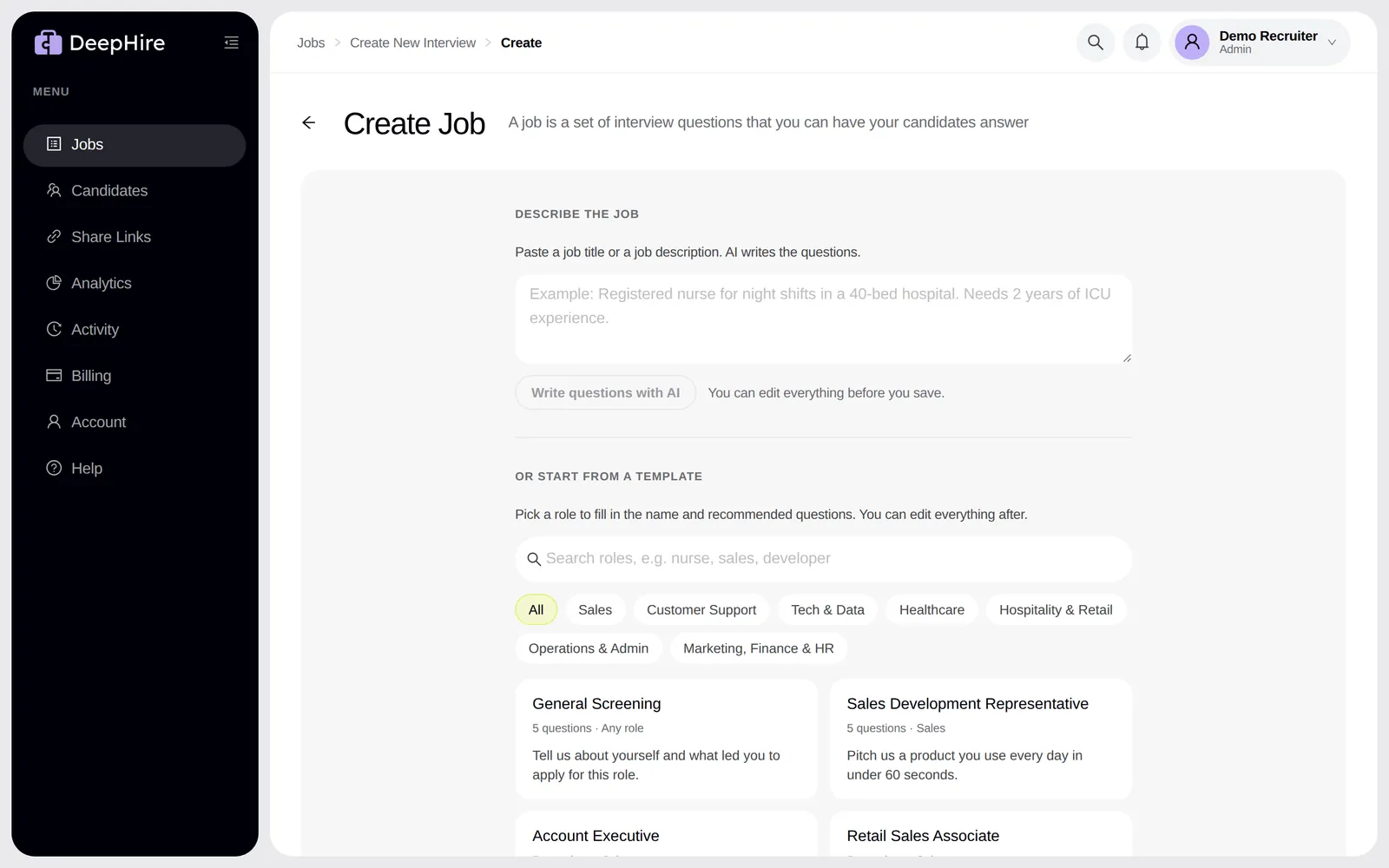
- Describe the job. Paste a job title or a full job description (up to 12,000 characters) and click Write questions with AI. AI writes a job name, 5 questions, and a scoring rubric. It writes in the language you paste. The first question is a warm-up. This is free.
- Or start from a template. Pick one of 26 roles, such as Call Center Agent, Registered Nurse, or Warehouse Associate. Search, or filter by Sales, Customer Support, Tech & Data, Healthcare, Hospitality & Retail, Operations & Admin, Marketing, or Finance & HR.
- Or write your own questions in Interview Questions.
You can edit everything before you save.
Questions
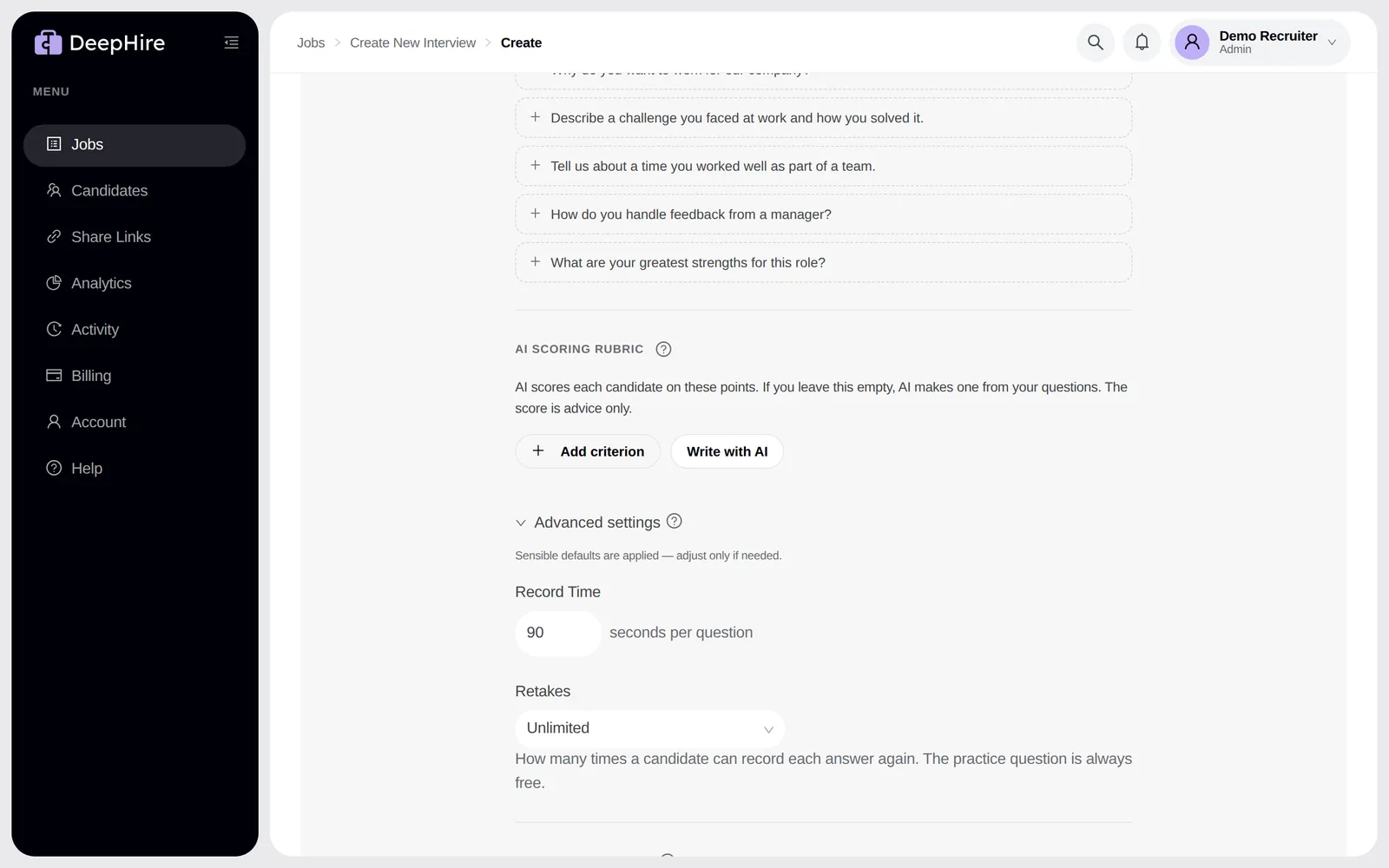
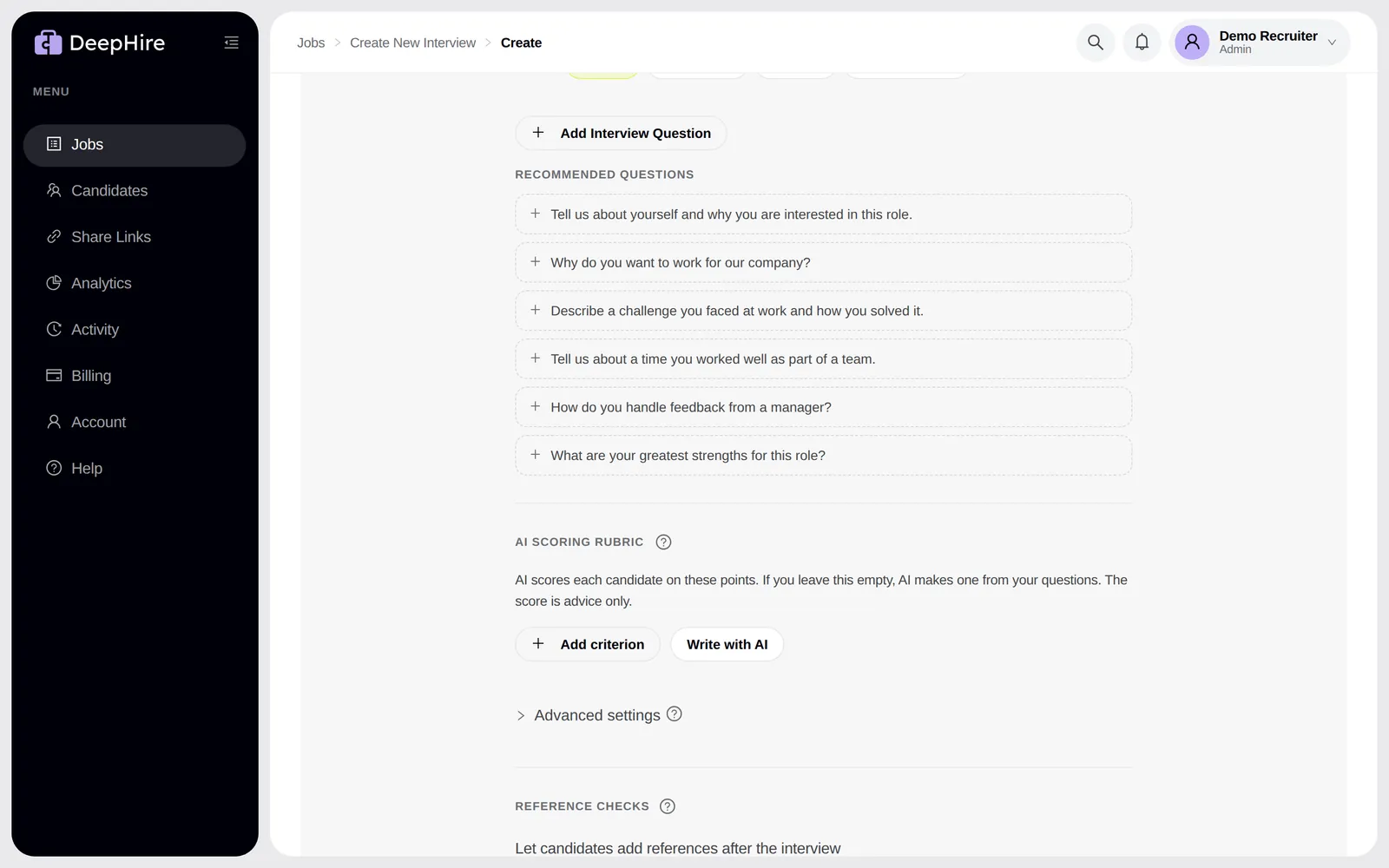
Each question has an answer type. See Question types. Under the questions, DeepHire suggests more questions for the role. Click one to add it.
Advanced settings
| Setting | Default | What it does |
|---|---|---|
| Record Time | 90 seconds | The longest answer. The recording stops here. |
| Retakes | Unlimited | Or Set a number (1 to 99 retakes per question), or No retakes (one take). The practice question is always free. |
AI scoring rubric
Under the questions, AI scoring rubric lists the points AI scores each candidate on. Leave it empty and AI writes one from your questions. See Rubric scoring.
Reference checks
Each job has its own reference check settings: answer types, questions, a note, and AI summary on or off.
After you click Create Job
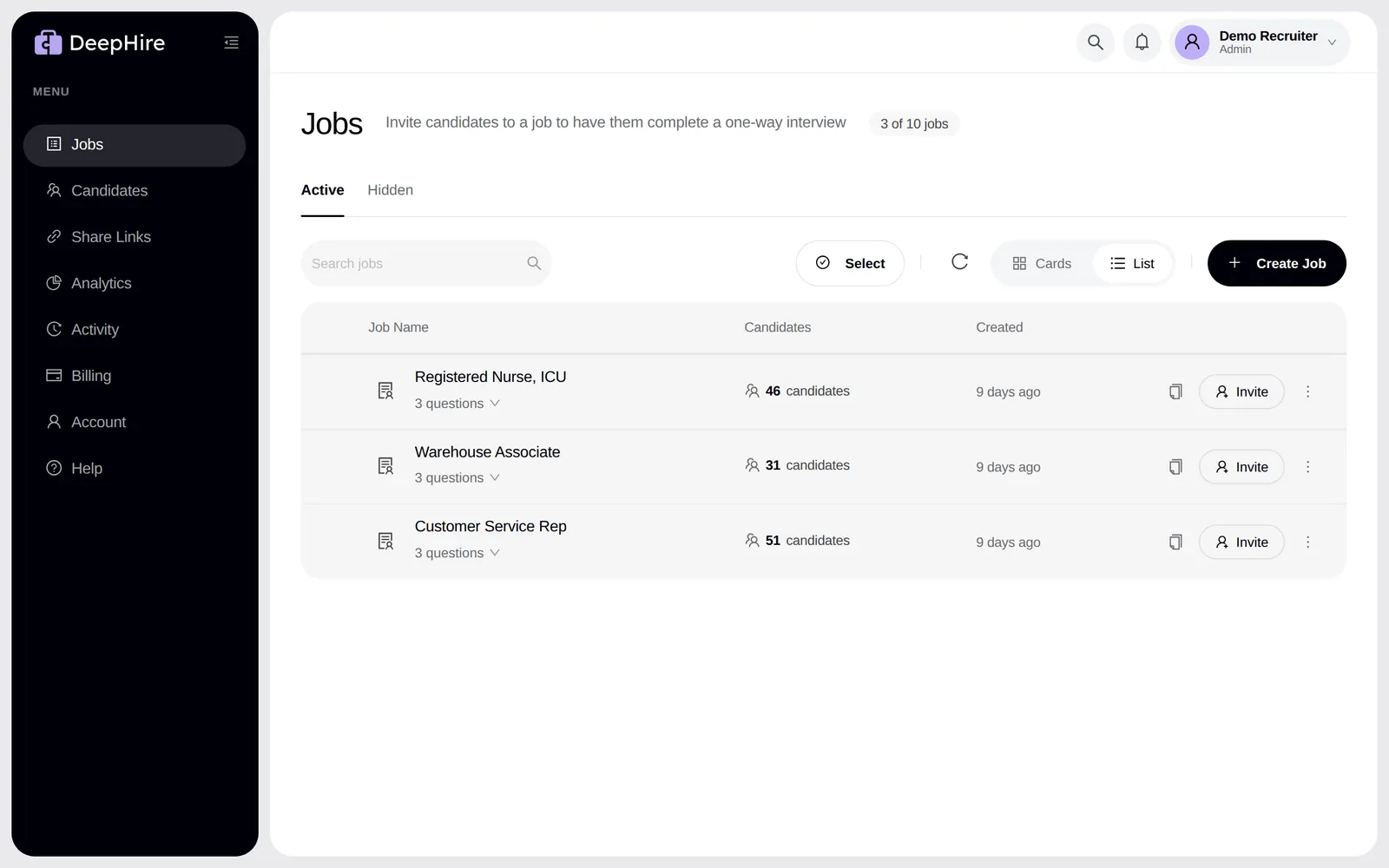
You get the interview link. Send it in your own email, ATS, or text, or use Invite candidates. On the Jobs page, the copy icon copies the link in one click.
Plan limits
Basic has 1 active job, Pro has 10. Hidden jobs and the sample job do not count. When you are full you see Your plan is full with Upgrade Plan or Hide a job. See Plans.
Updated November 9, 2026