
Question types
Video, audio only, written, or multiple choice. Mix them in one interview.
Create a jobIn the app: Job editor, the chips under each question.
At a glance
- Types
- Video, Audio only, Written, Multiple choice
- Written answers
- Up to 2,000 characters
- Choices
- 2 to 10, one per line
The four types
| Type | Candidate does | You see | AI |
|---|---|---|---|
| Video | Records on camera | The video | Transcript, summary, score |
| Audio only | Records with the microphone. The camera stays off. | An audio player | Transcript, summary, score |
| Written | Types an answer, up to 2,000 characters | The text | Summary and score from the text |
| Multiple choice | Picks one option | The option they picked | Summary and score |
Multiple choice starts with "Yes" and "No". Write one choice per line, 2 to 10 choices.
Tips
- Audio only fits phone and call center jobs, and candidates who do not want to be on camera.
- If every question is written or multiple choice, candidates are told "No camera needed".
- On the candidate page, N and P and autoplay skip written answers.
What the candidate sees
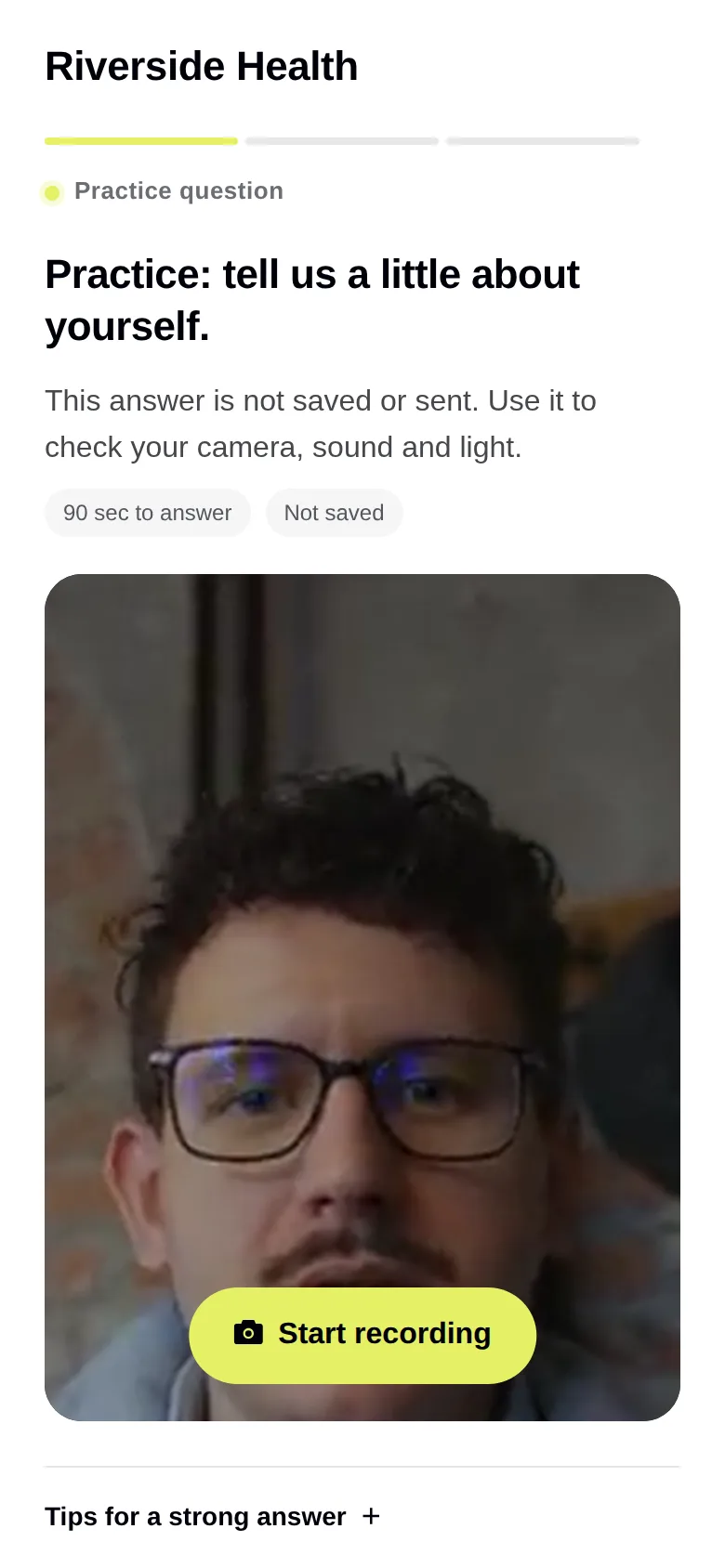
Video (the practice question)
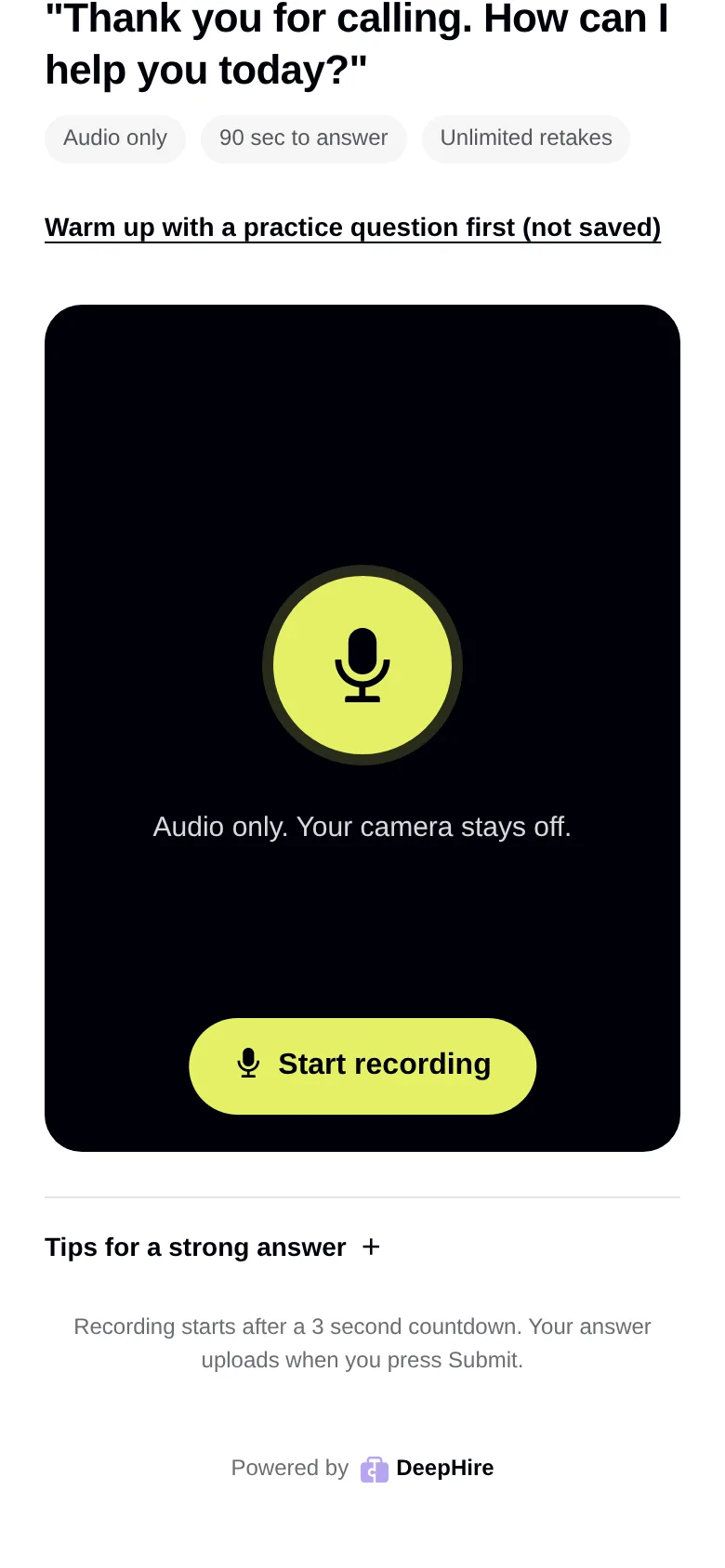
Audio only
On a video question the camera is on. On an Audio only question the camera stays off and the candidate sees a microphone. Written and choice questions show a text box or the options.
Updated November 9, 2026