
Review candidates fast
Keyboard shortcuts, 2x speed, autoplay, ratings, and filters.
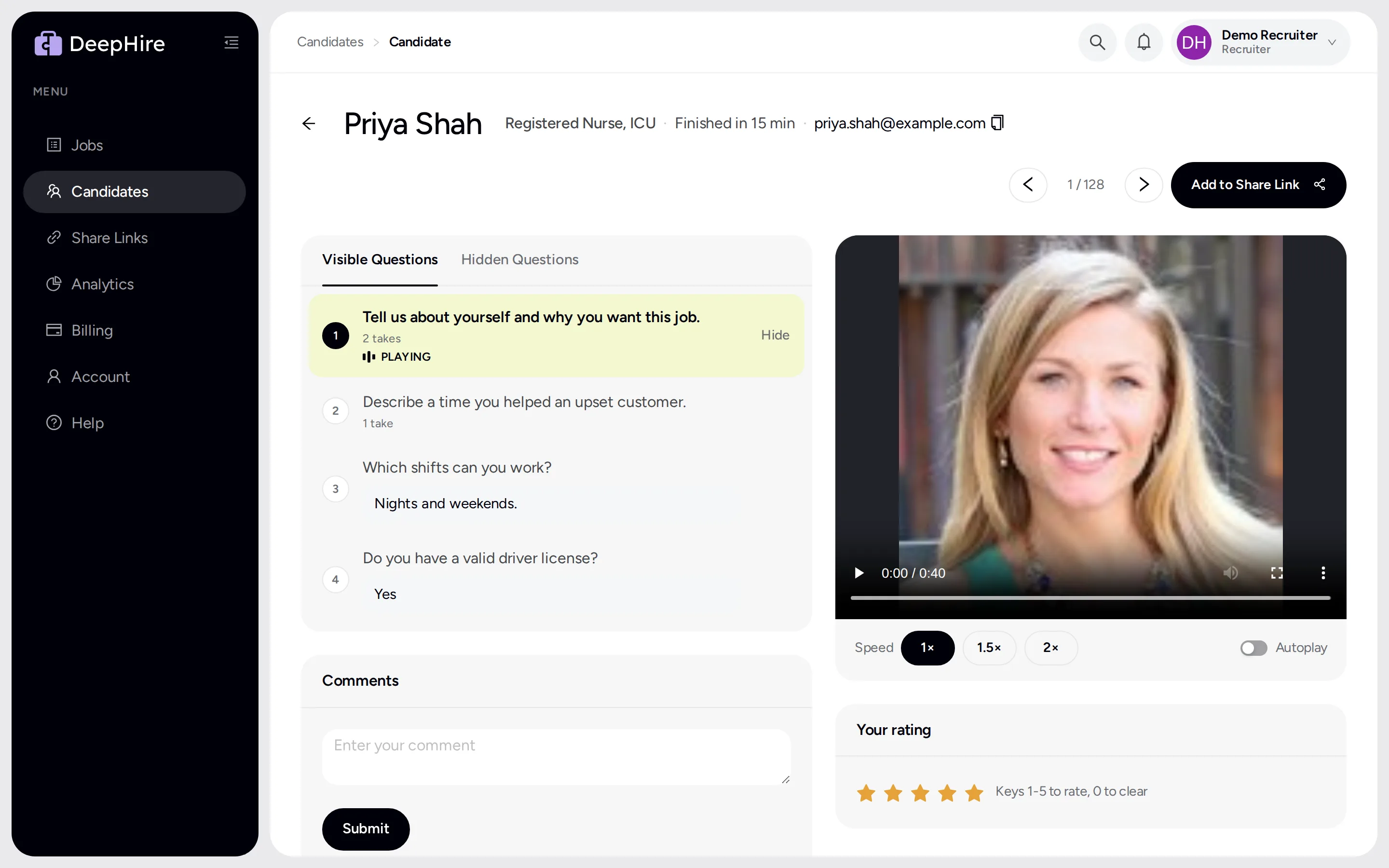
Open your candidatesIn the app: Candidates, then click a candidate.
At a glance
- Speeds
- 1x, 1.5x, 2x
- Autoplay
- On by default
- Ratings
- 1 to 5 stars
Good to know first
- Opening a candidate marks them Reviewed for your whole team, and the candidate gets one email that the hiring team opened their interview.
Keyboard shortcuts
| Key | Does |
|---|---|
| J | Next candidate |
| K | Previous candidate |
| N | Next answer |
| P | Previous answer |
| Space | Play or pause |
| 1 to 5 | Rate 1 to 5 stars |
| 0 | Clear your rating |
Keys do nothing while you type in a box.
Speed and autoplay
Pick 1x, 1.5x, or 2x. With autoplay on, the next answer plays when one ends. Your browser remembers both.
The New dot
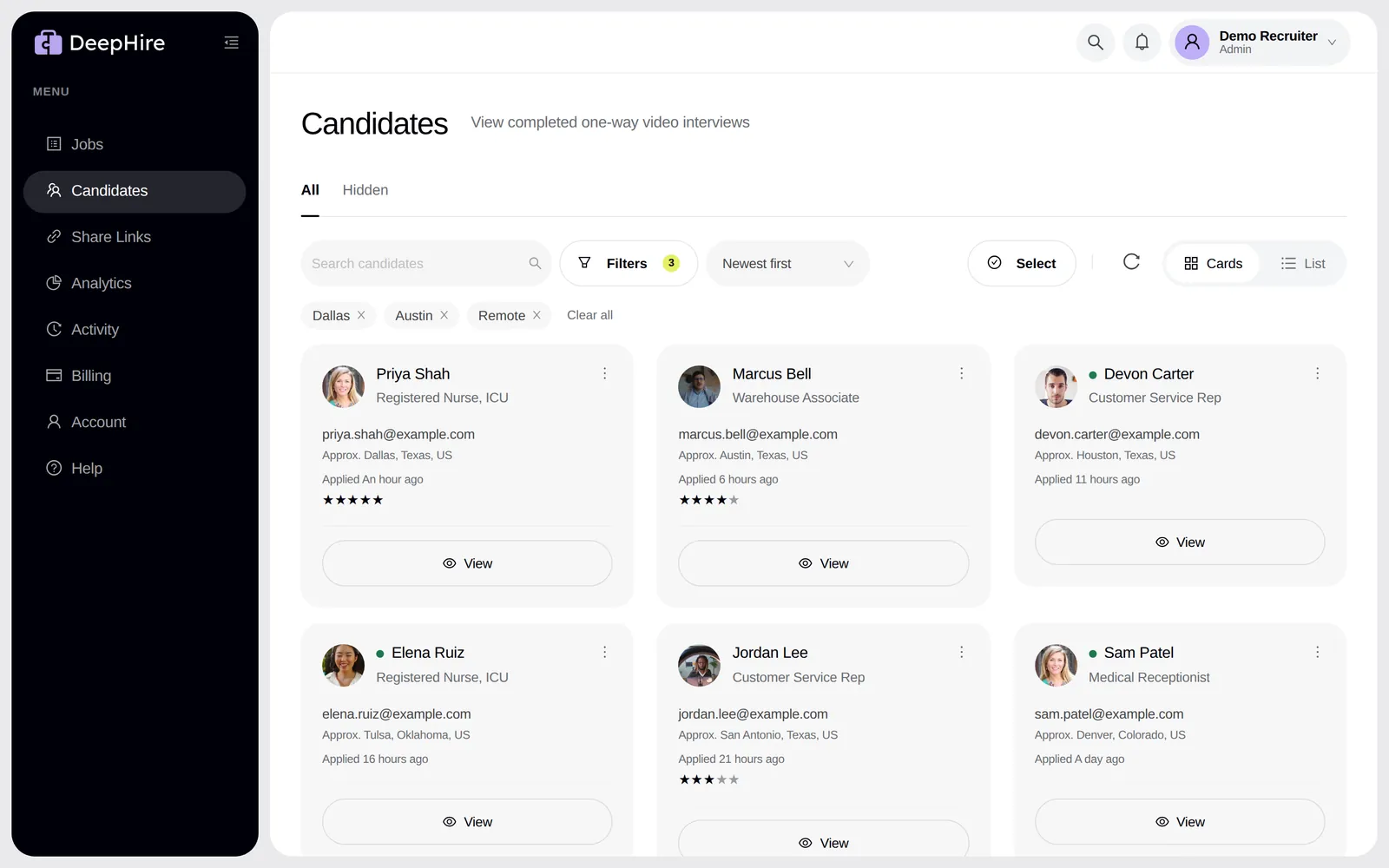
Candidates nobody on your team has opened have a green dot. Opening a candidate removes the dot for everyone and records who reviewed them. It also sends the candidate one email: "your interview was opened". It never says who watched or what you rated. See Candidate emails.
Approximate location
Each candidate shows the approximate place the interview was recorded, such as "Approx. San Antonio, Texas, US". It comes from the candidate's IP address, so a VPN or a mobile network can show the wrong place. Use it to spot a fake or mixed-up interview. Do not use it to decide on a candidate. Interviews recorded before November 9, 2026 show no location.
Filter and sort
Filter by New or Reviewed, by "4 stars or more", by "Not rated", or by team. Sort by "Newest first" or "Highest rated". Search covers every candidate you ever had.
Comments and documents
- Comments is one shared note per candidate for your company. Other companies never see it. Type, then click Save. Saving replaces the whole note. Clients on a share link never see it.
- Documents holds files such as a resume. Candidates can also add PDFs from their own page.
Takes
Each answer shows how many takes the candidate needed.
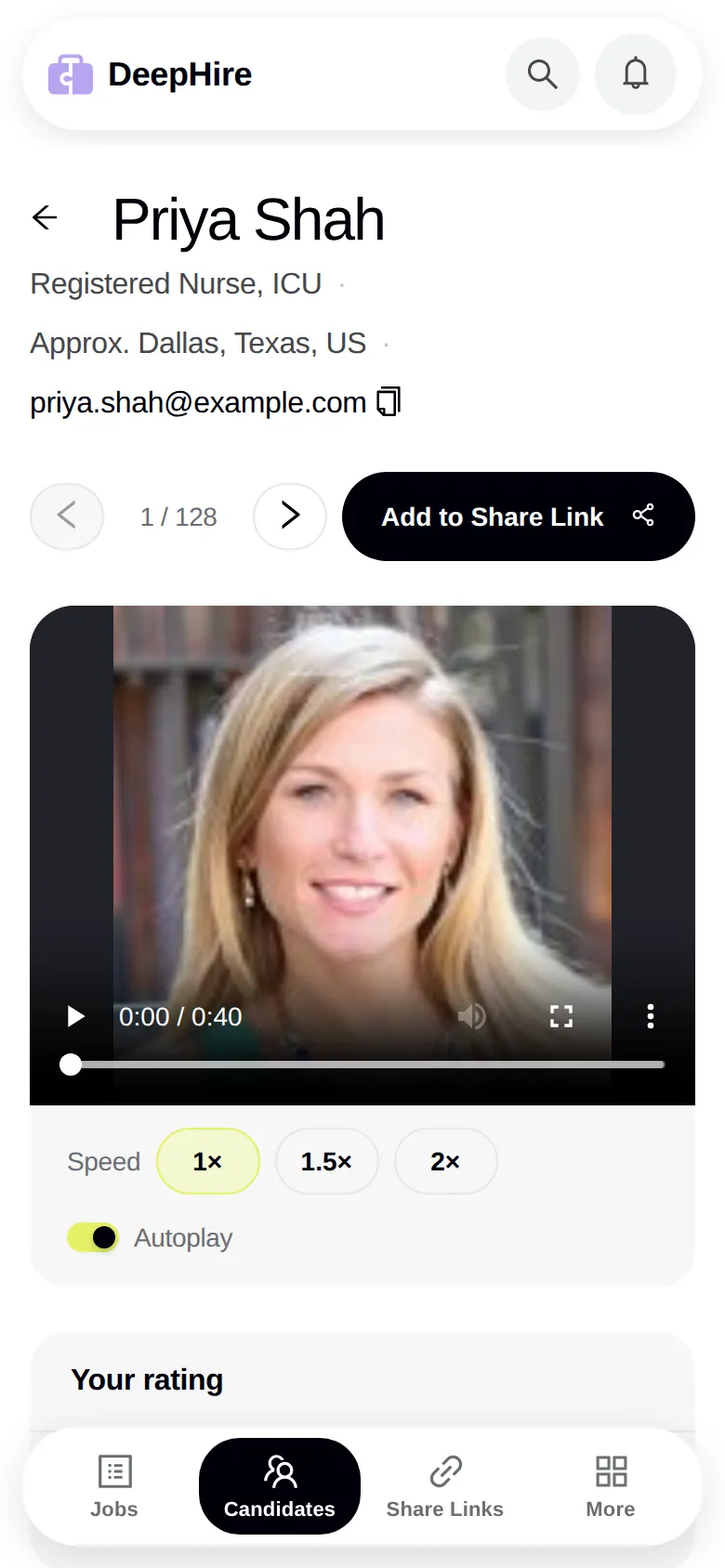
On a phone
The candidate page works on a phone too. The video comes first, then the rating, comments, and the other cards.
Updated November 9, 2026