
How it worksPricingFAQBlogSign inStart free
Start free trial

Get help

Ask us from the app. We reply there and by email.

Open Help

In the app: Help in the app (open).

  1. Open Help in the recruiter app.
  2. Click New question and write it.
  3. We reply in the app and by email, usually within one business day. Reply to the email to answer us.

For candidates who are stuck, send them deephire.com/help. It matches the message on their screen to the fix.
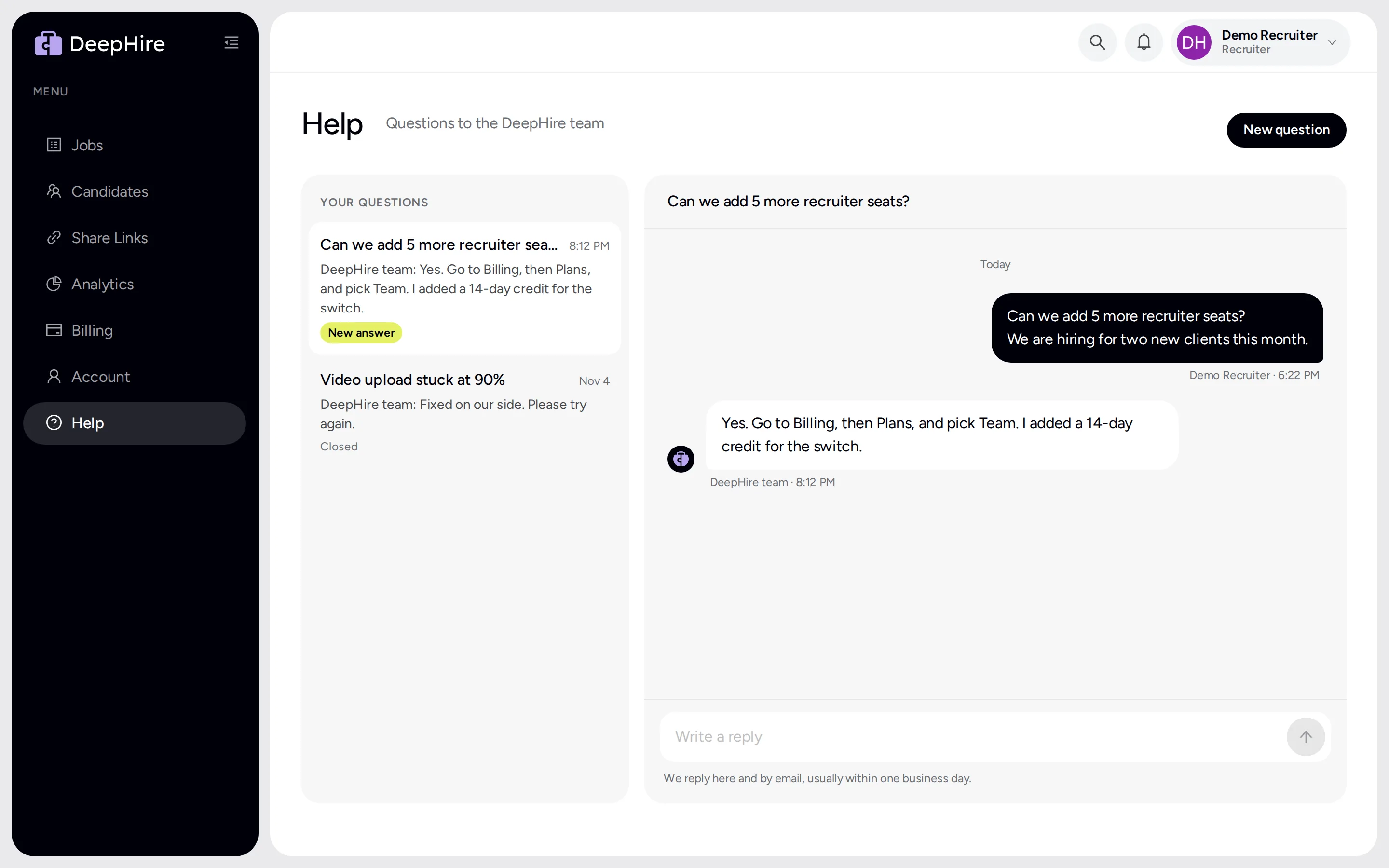
Help page with two questions; the open one shows a question about seats and the DeepHire team's answer
Help in the app. Your questions and our answers stay here.

Updated November 9, 2026