
Emails DeepHire sends
Every email, who gets it, when, and what it looks like.
At a glance
- To you
- Candidate finished, link viewed, client feedback, team invite
- To candidates
- Invite, reminder, sent, updates, reference ask
- To references
- The reference request
Good to know first
- Buttons that email someone ask you to confirm first and name who gets the email.
Emails to you
| When | |
|---|---|
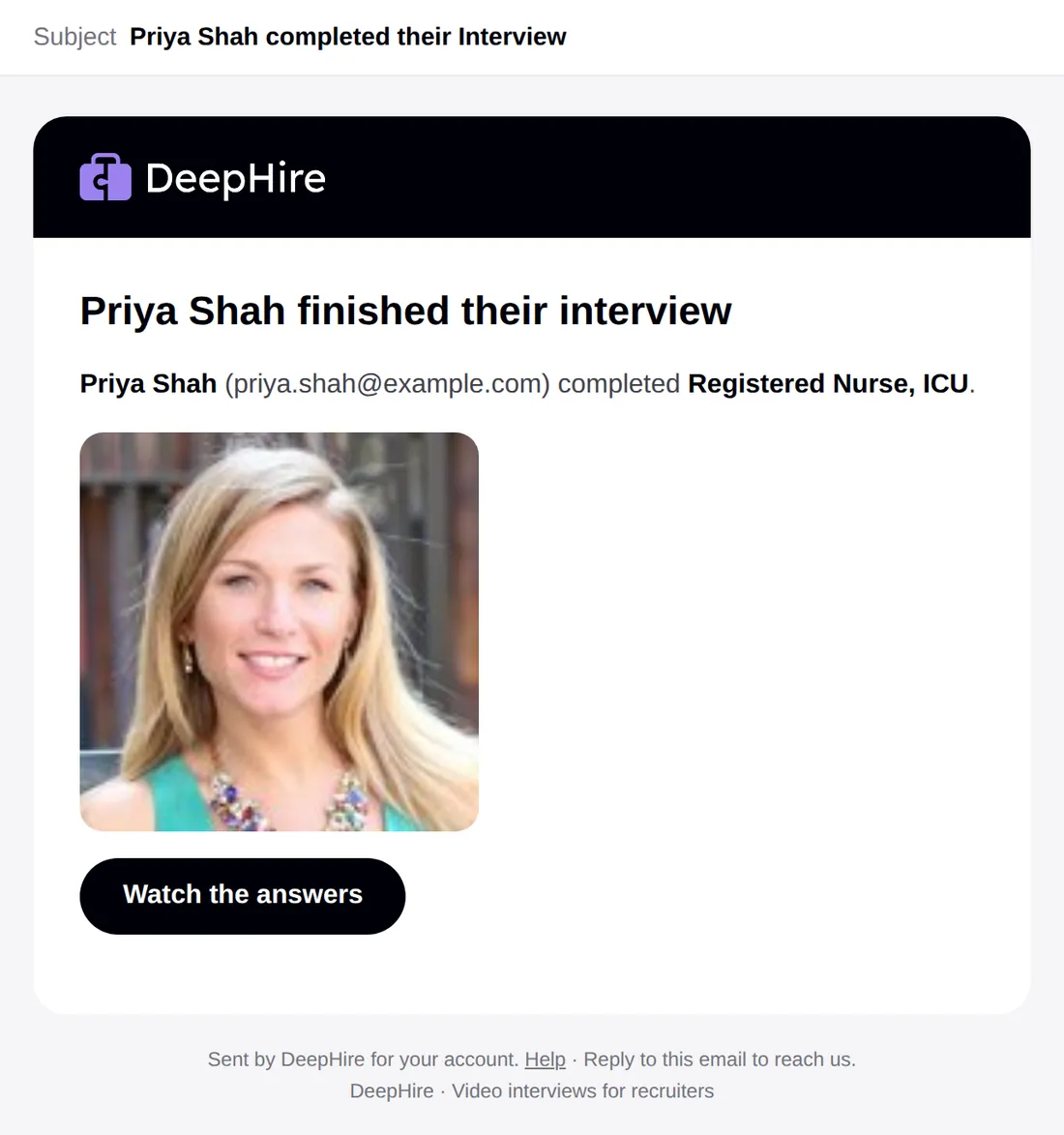
| "{Candidate} completed their Interview" | A candidate finishes |
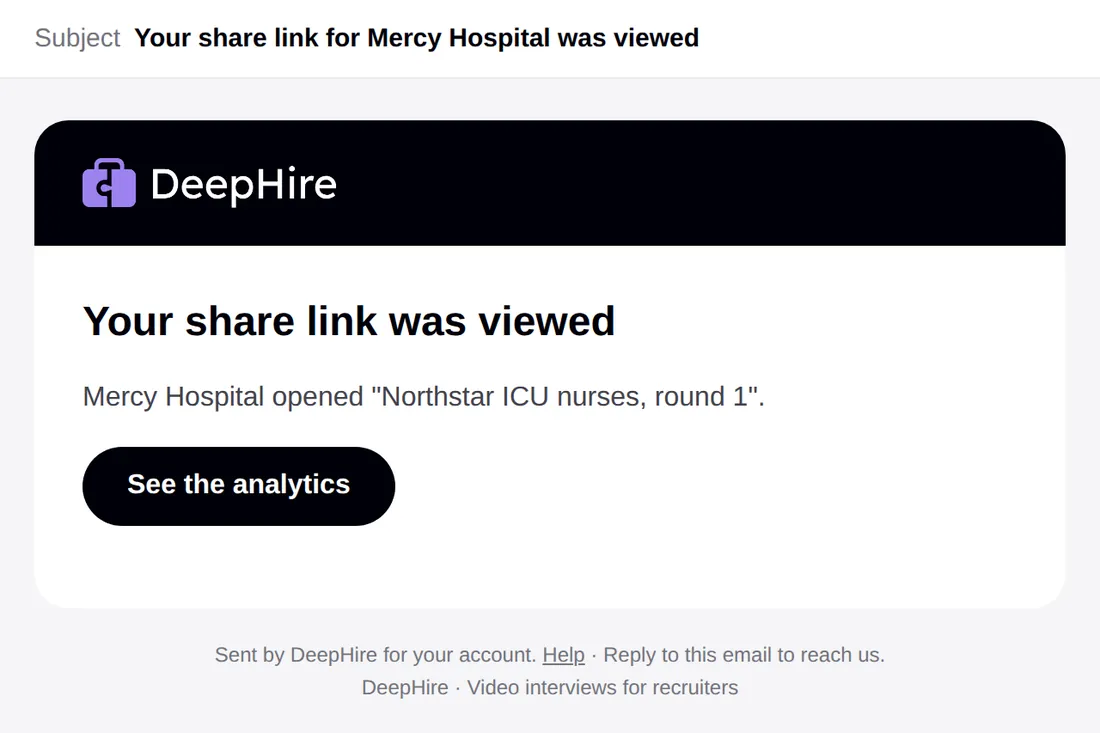
| "Your share link for {client} was viewed" | A client opens a share link |
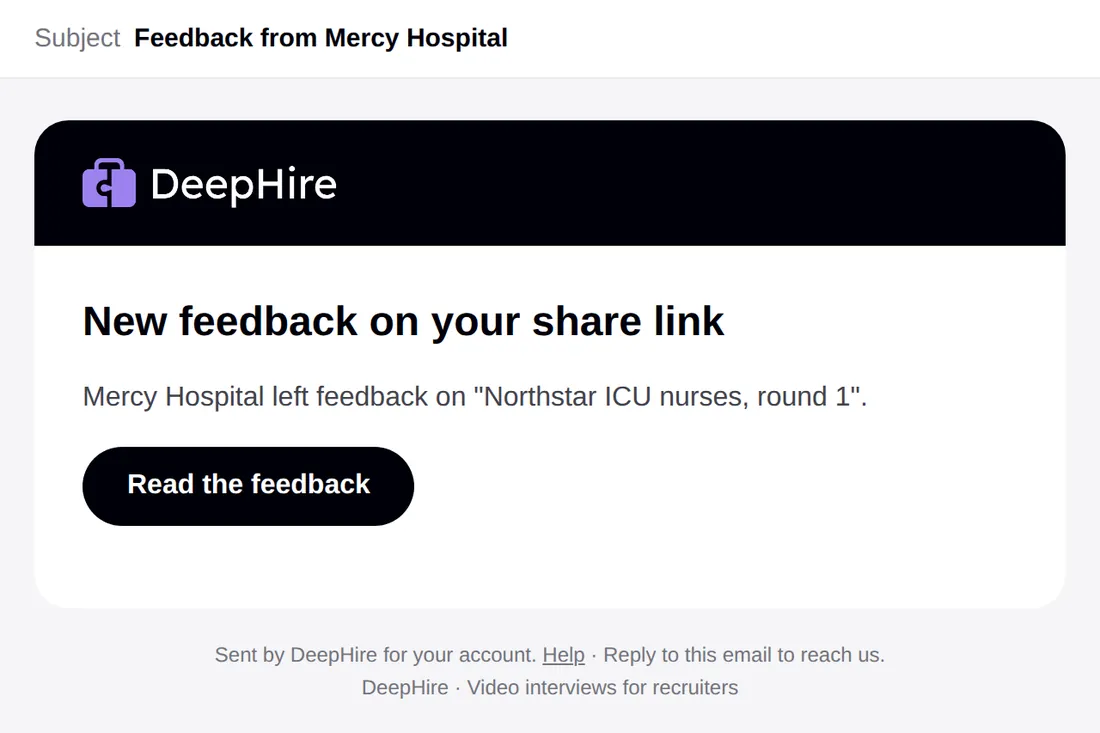
| "Feedback from {client}" | A client rates or comments on a share link |
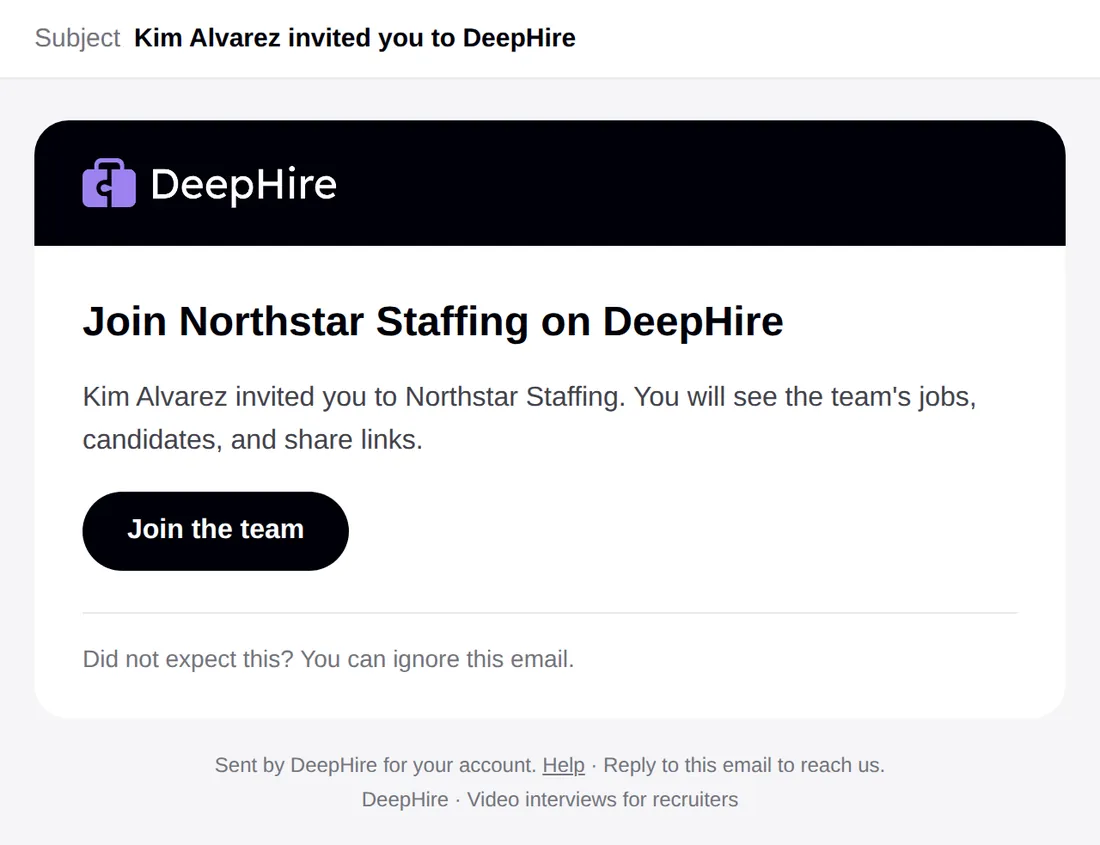
| "{Name} invited you to DeepHire" | Someone adds you to their team |
Emails to candidates
| When | |
|---|---|
| Interview invite | You use Invite on a job |
| Your 2 reminder texts | About 2 and 3 days after the invite, if they have not started |
| "Please finish your DeepHire introduction" | About 2 hours after they start, if they have not finished |
| 3 more "finish your interview" emails | About 1, 2, and 3 days after that, until they finish |
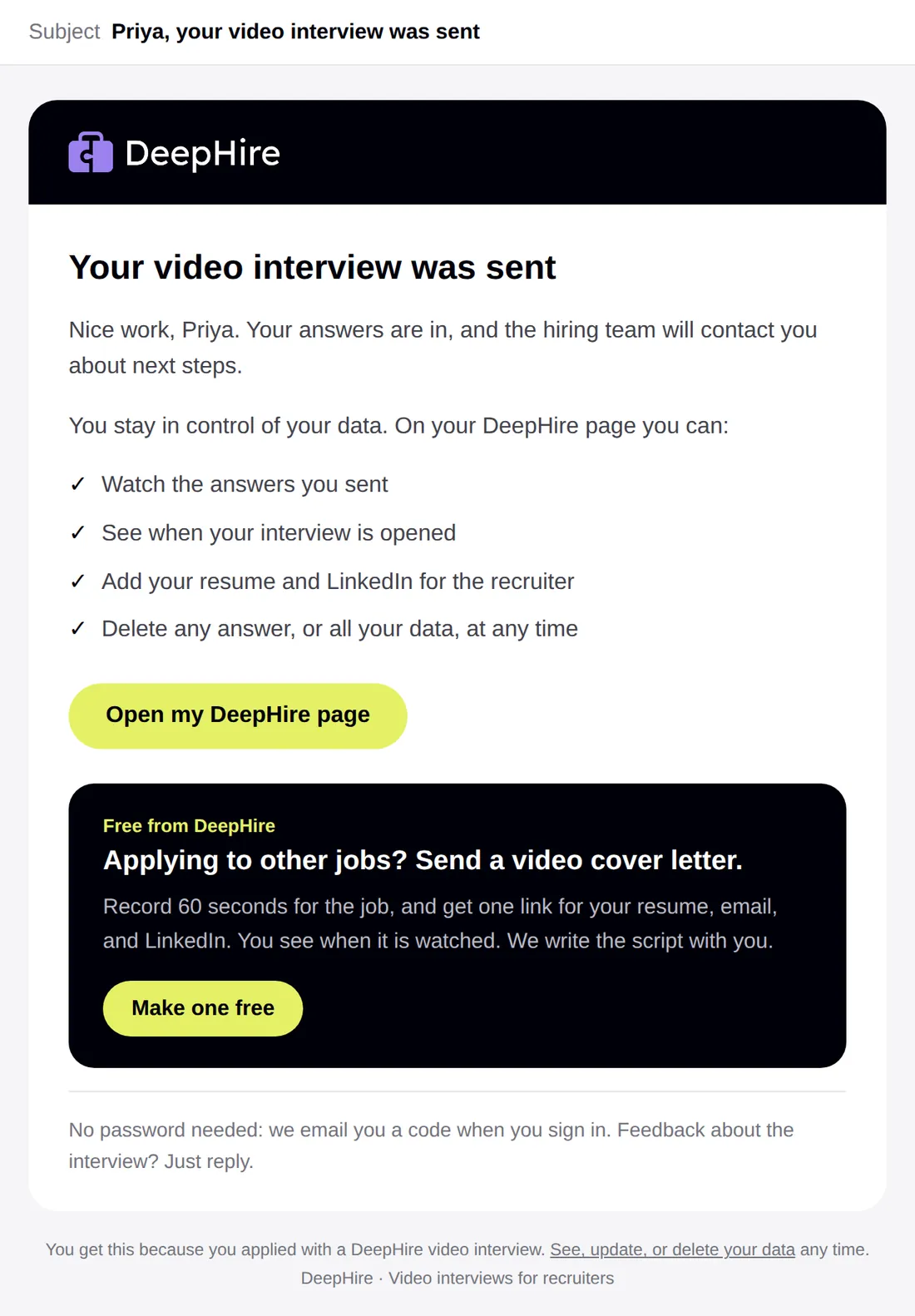
| "Your video interview was sent" | The candidate finishes |
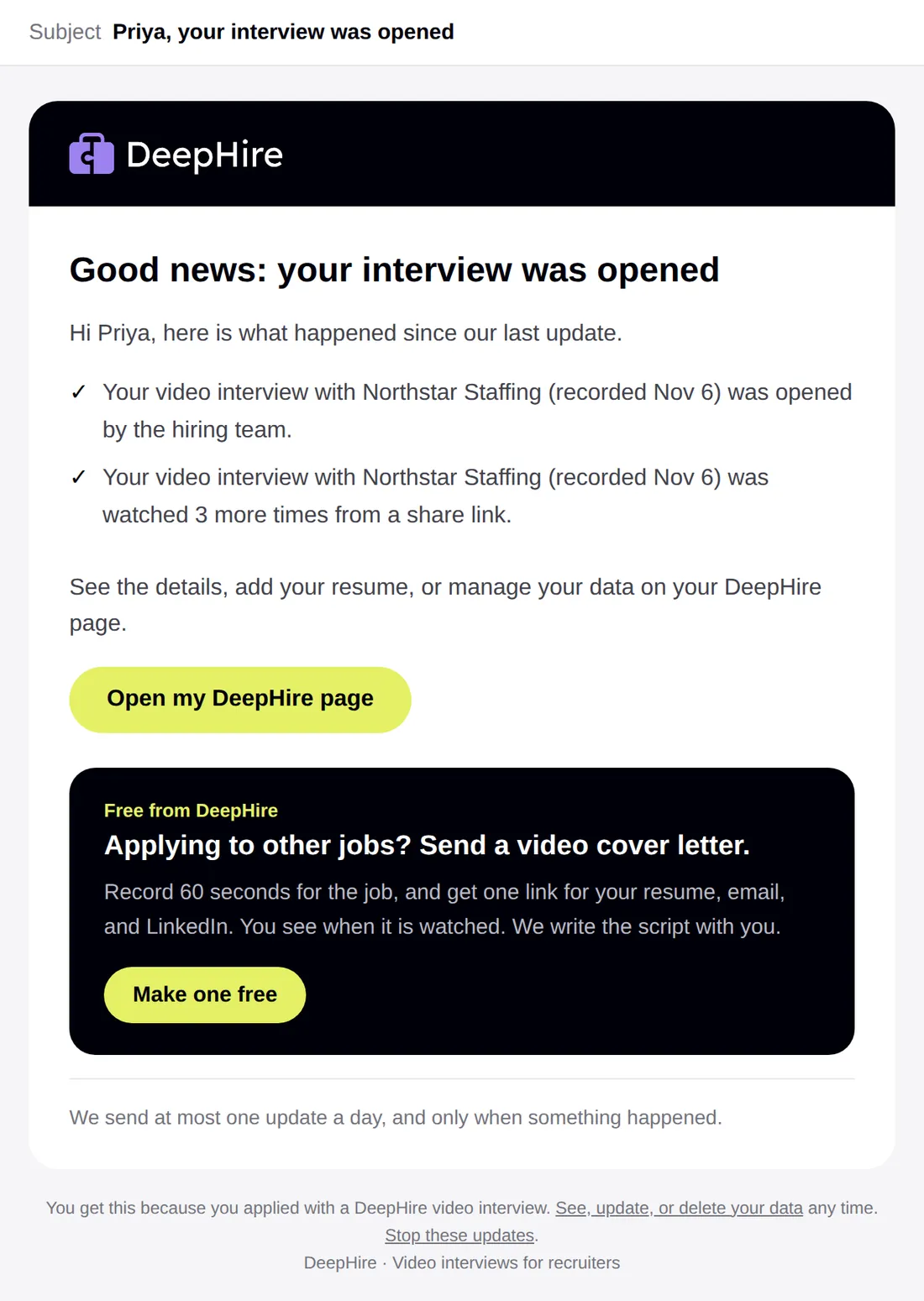
| "Your interview was opened" | The first time someone on your team opens them |
| "Your video was watched" | Share-link viewers watch, at most once a day |
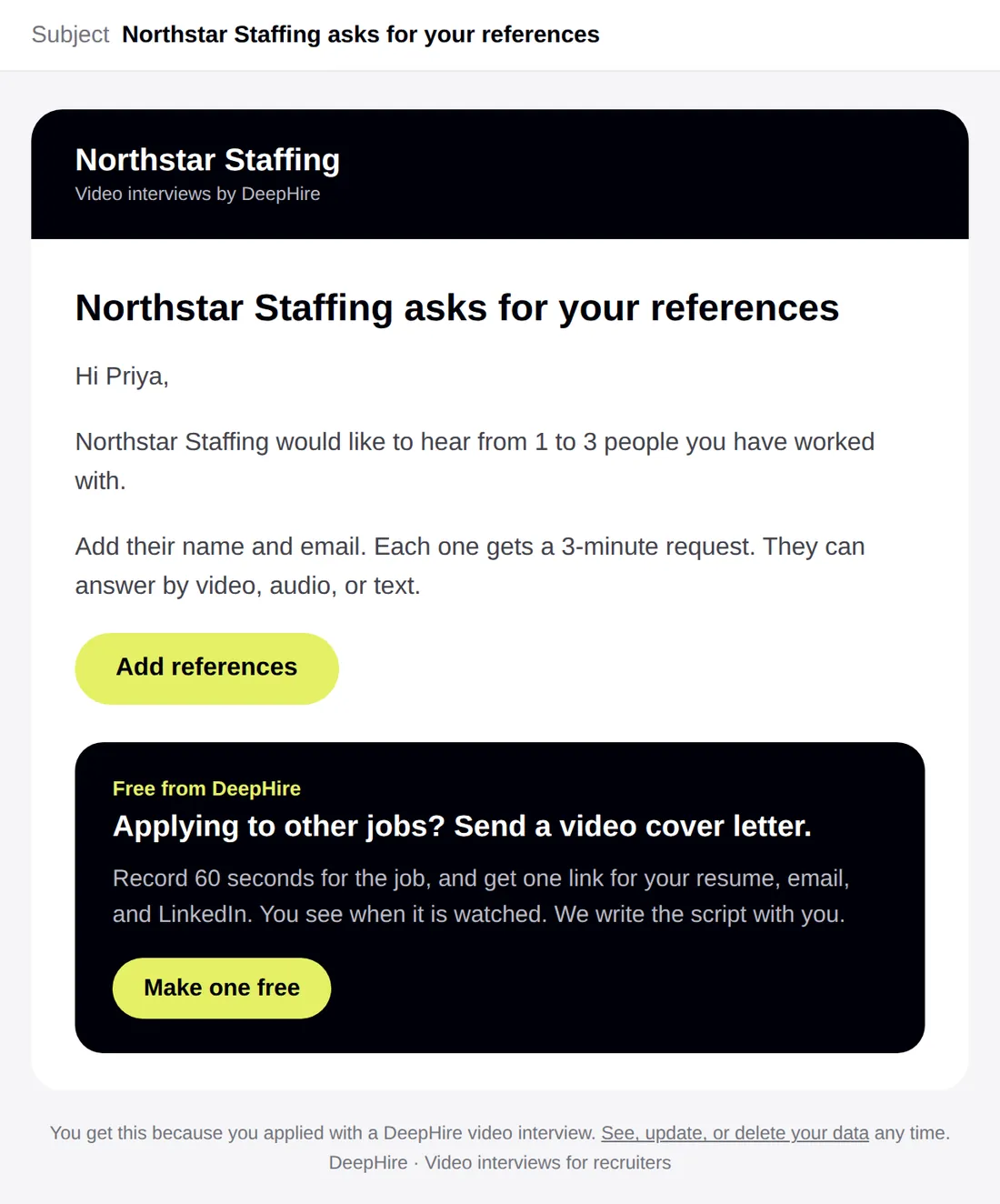
| "{Company} asks for your references" | You click Ask candidate to add references |
Update emails never say who watched, when, or any rating. See Emails candidates get.
Emails to references
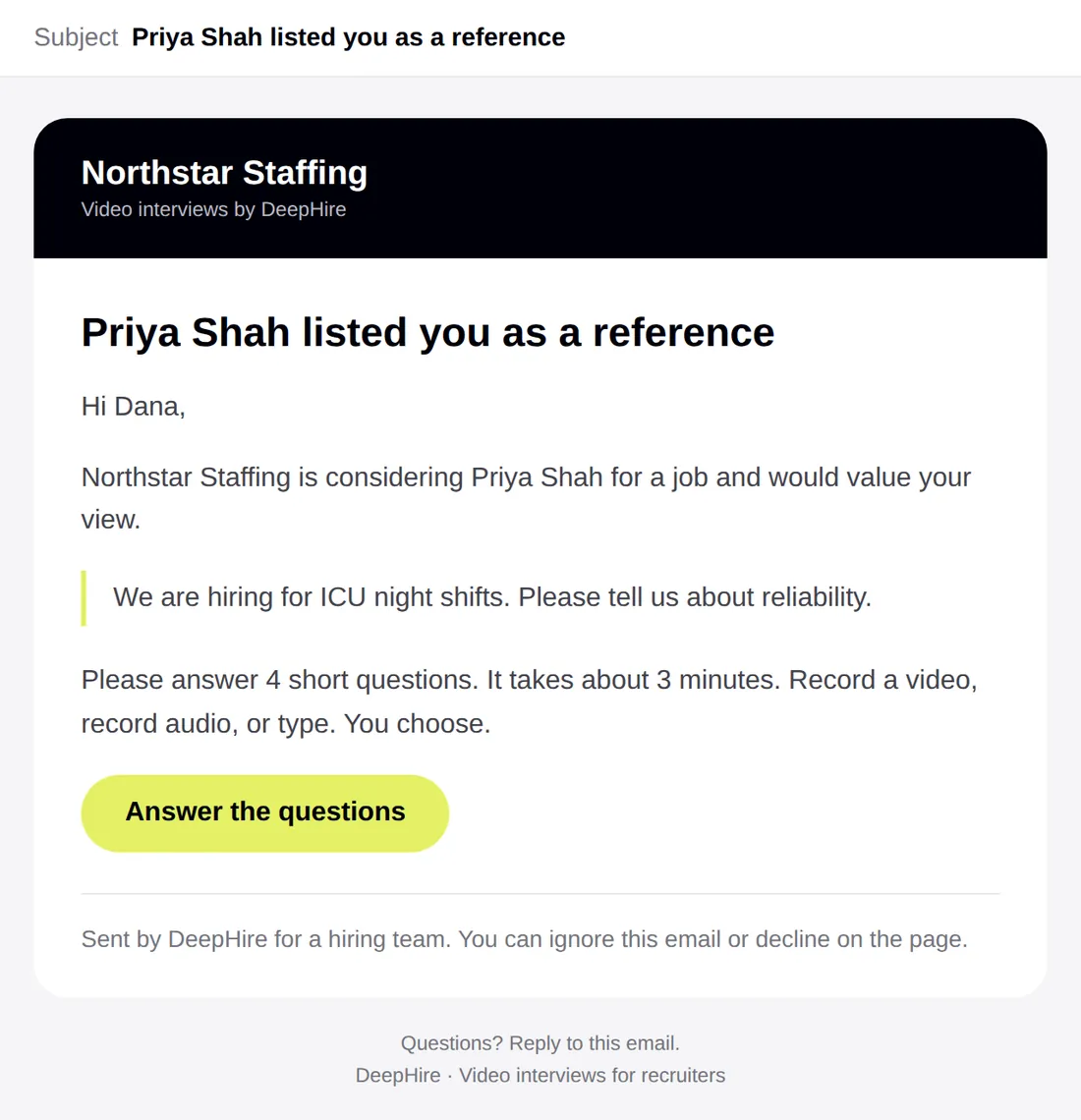
One email when the reference is added. You can send it again with Resend (up to 3 times in total). See Reference checks.
Updated November 9, 2026